
🕹️ Cursor For Product Managers
+ FREE PM Brainteasers & New AI Skills
Hello!
This is 🕹 prodmgmt.world | Becoming Top PMs Together
🆕 In today’s edition:
🆓 Cursor For Product Managers
🆓 FREE PM Brainteaser Prompts
🔒 New AI Skills
Cursor for Product Managers
So, last week I had a change of heart. You know I have been convincing folks to try and use Claude Code; and while I still love it, I just haven’t been having a lot of great experiences recently with it.
I don’t know if it’s because Anthropic just had a big raise, so maybe they had to move resources around, but I just had a week of Claude Code just producing very mediocre results. It kept erroring out a lot, which was killing me.


And in the meantime, Eric from Cursor team reached out and said “Hey, how about we give you some Cursor credits, so you can try it out.”
I stopped using Cursor for a while after their pricing mishap a few months ago, which I think they kind of recovered from since.
I also wasn’t using Cursor because my old computer, which I’ve now replaced with a M4 Pro, just couldn’t handle Cursor; it was just too slow on that old machine, which I’m now going to use for OpenClaw (I’ll talk about this next week).
So this week I just wanted to share a bit about some of the improvements that I saw in Cursor and how I’m using it as a PM.
And of course, you know, this all leads to the announcement that I made last week around turning my complete product management bundle into an installable functionality inside Cursor/Claude Code.

UX
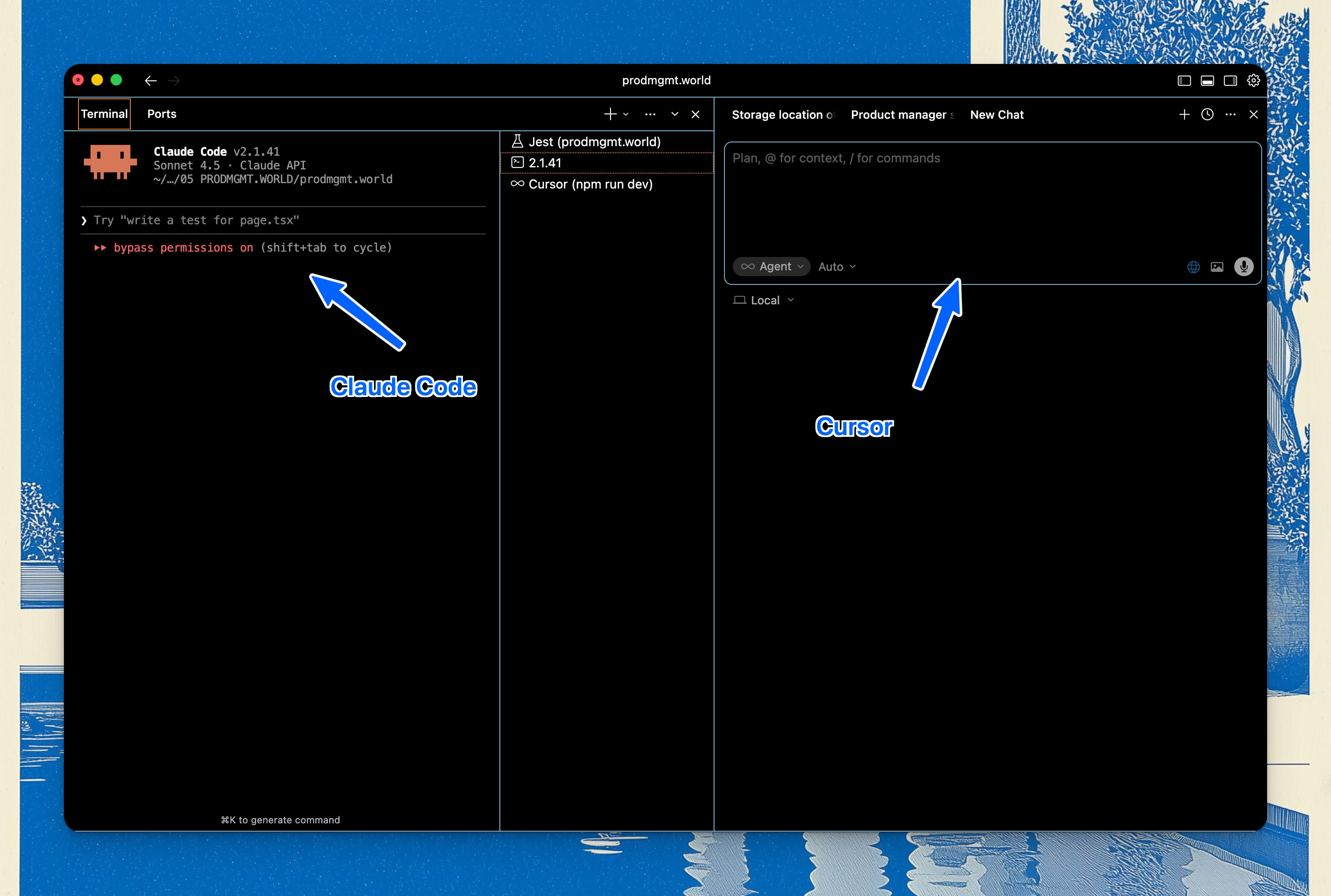
One of the things I really appreciate about Cursor straight away is, well, it’s not a CLI.
And even if Claude Code technically works on the Claude Desktop app, or you could install an extension for VS Code for Claude Code, the problem with that is that I still ended up finding that majority of the functionality that I would use would be in the CLI.
And the problem with the CLI is that it’s really, really hard to read.
Multiple Models
Now, the other thing I started to realize is that even though the Anthropic models are great at a lot of things, they are not the best at everything, and there’s really only three models that you can use.
Whereas with Cursor, you have the opportunity to use any model you want. You want Codex, you want Opus 4.6, you want Gemini 3 Pro - whatever you want you can use with Cursor.
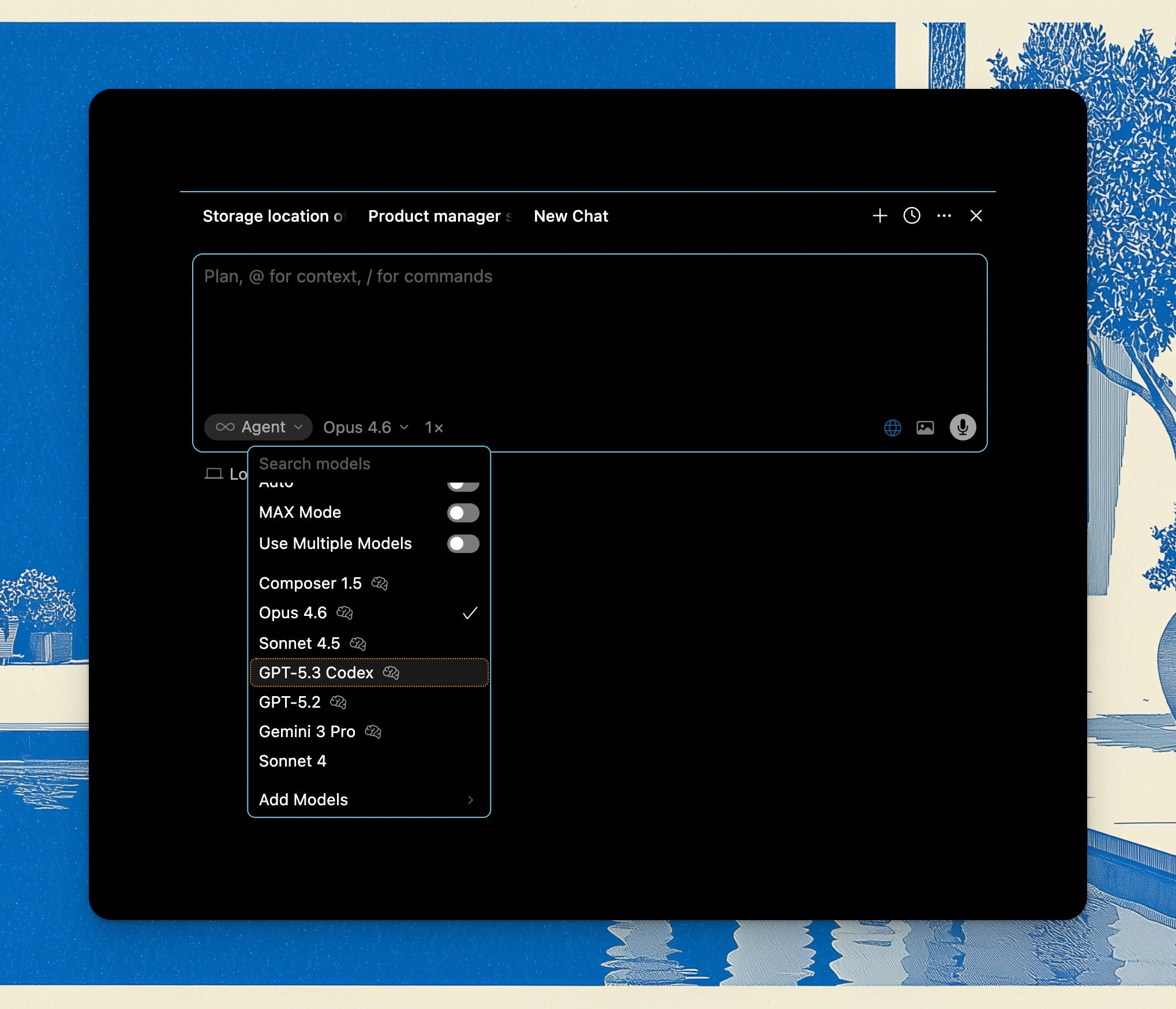
Now that I have the intuition that certain models are better for certain things, I can switch around within one conversation and I feel like I get the best out of the conversation by using different models.
I’ll use the Gemini 3 Pro for front-end work, and it definitely produces much better results than Opus 4.6 would, for example. Or if I’m doing a refactor, I will definitely use the Codex 5.3.
Skills & Plugins
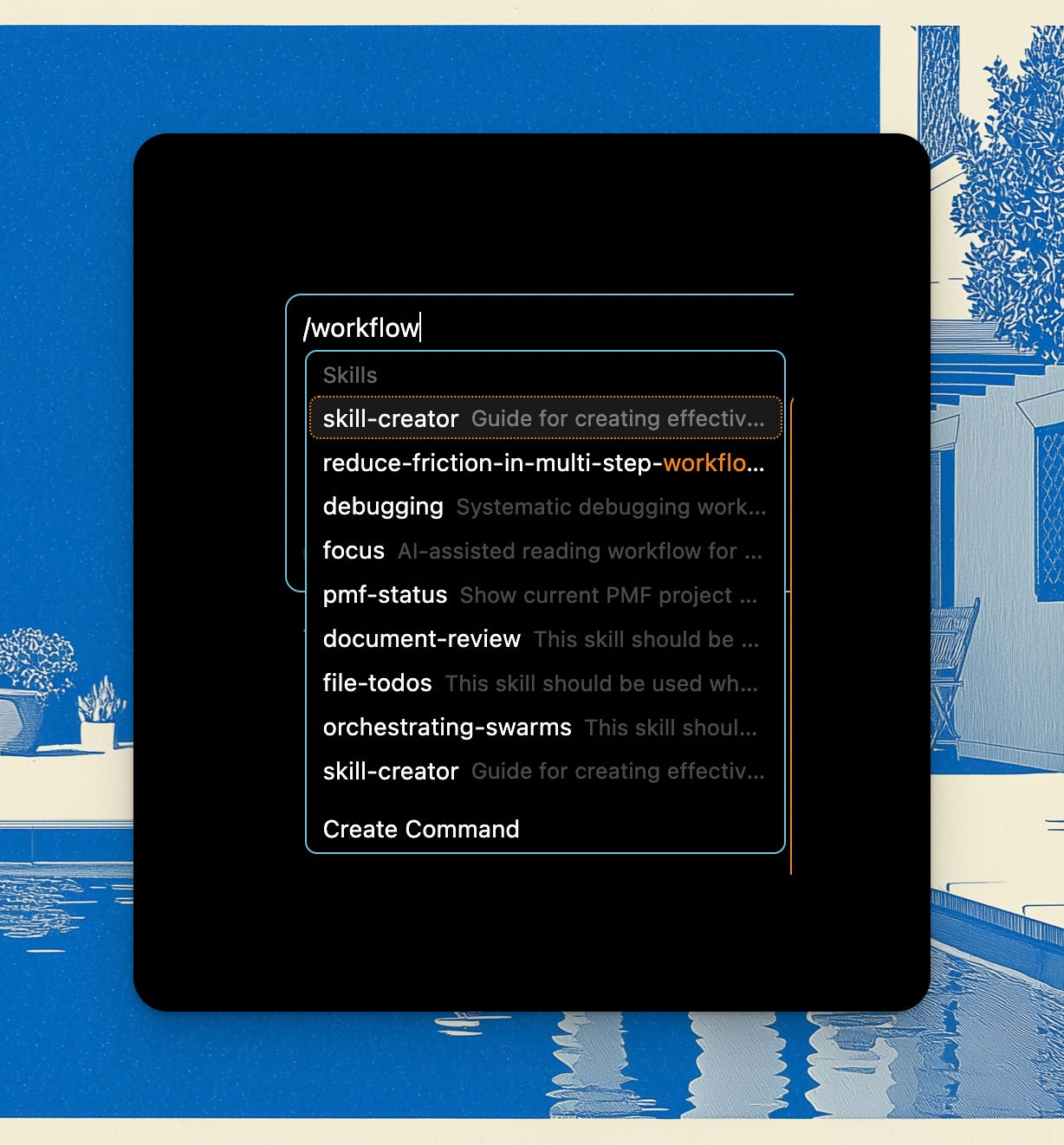
Another great thing is that a lot of the things you install with Claude Code, you could easily start using inside Cursor. Pretty much all of the skills and plugins that I installed with Claude Code are reusable inside Cursor.
You invoke them with the / command, they all come up the same way, and so there’s literally not been any loss of workflow.
You can find my favorite Claude Code plugins here btw: Claude Code For Product Managers. They’ll work with Cursor too, but a special Cursor page is coming up soon.
As a reminder, my AI Skills Library for PMs comes as 180+ markdown files ready for Obsidian, ready for you to turn into your own operating system.
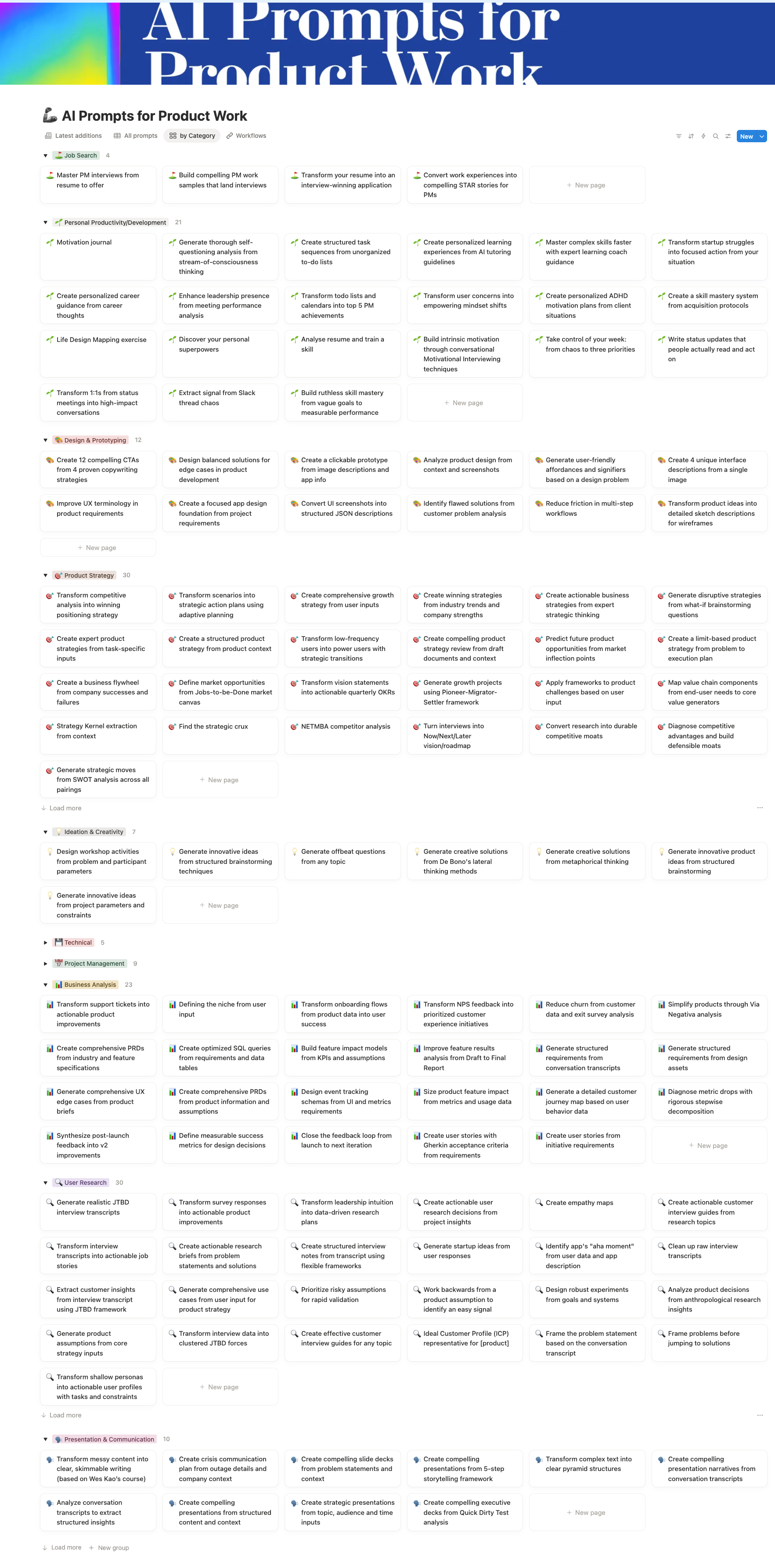
Workflows + Free Prompts
So let’s just take a look at some of the workflows we can run as PMs inside Cursor.
One thing you start to realize with using these AI tools + the work we do on our machines, is that it’s all just text files all the way down. Product managers just work with different types of text that engineers, but it’s all the same for AI. You can organise them any way you want, but here’s how my PM OS organises things:
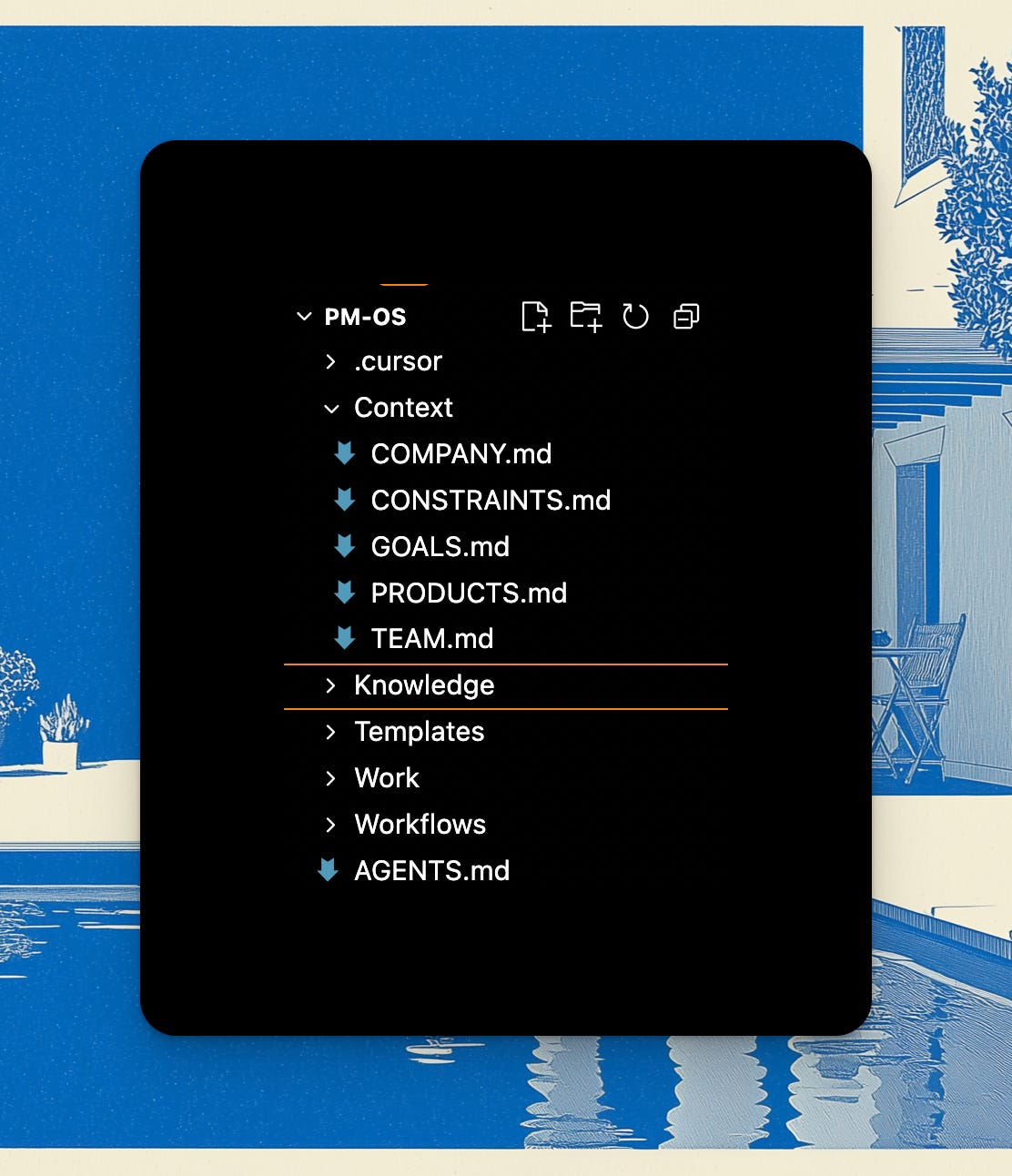
And with some strategic MCPs - that’s going to depend on what you have available at work - you’re able to stay inside Cursor for the most part, and move to Confluence or Notion or Google Docs only when you absolutely have to collaborate with someone, to share the documents that you write. And you could still write & edit them inside Cursor and then publish them elsewhere.
We have Glean and Atlassian, so that allows me to ask questions through the Glean MCP about the context of different initiatives + what’s happening on Slack and what’s happening in different documents, and then use Atlassian MCP to directly pull in particular documents and also then publish my specs.
This covers 95% of use cases honestly. Add in Mixpanel/Amplitude and Figma MCPs, and you’re basically covered.
Even if there isn’t an MCP, usually there’s an API or at least an export. All still text. You can write a quick script to access the API, or put the export in your folder.
For example I had some user feedback in the form of CSV files. I have a script that converts the CSV into a JSON file to help make the document more readable and to have scripts operate on the JSON more easily. And then I will use that to essentially run different analyses on this data, and then plug it into my documents.
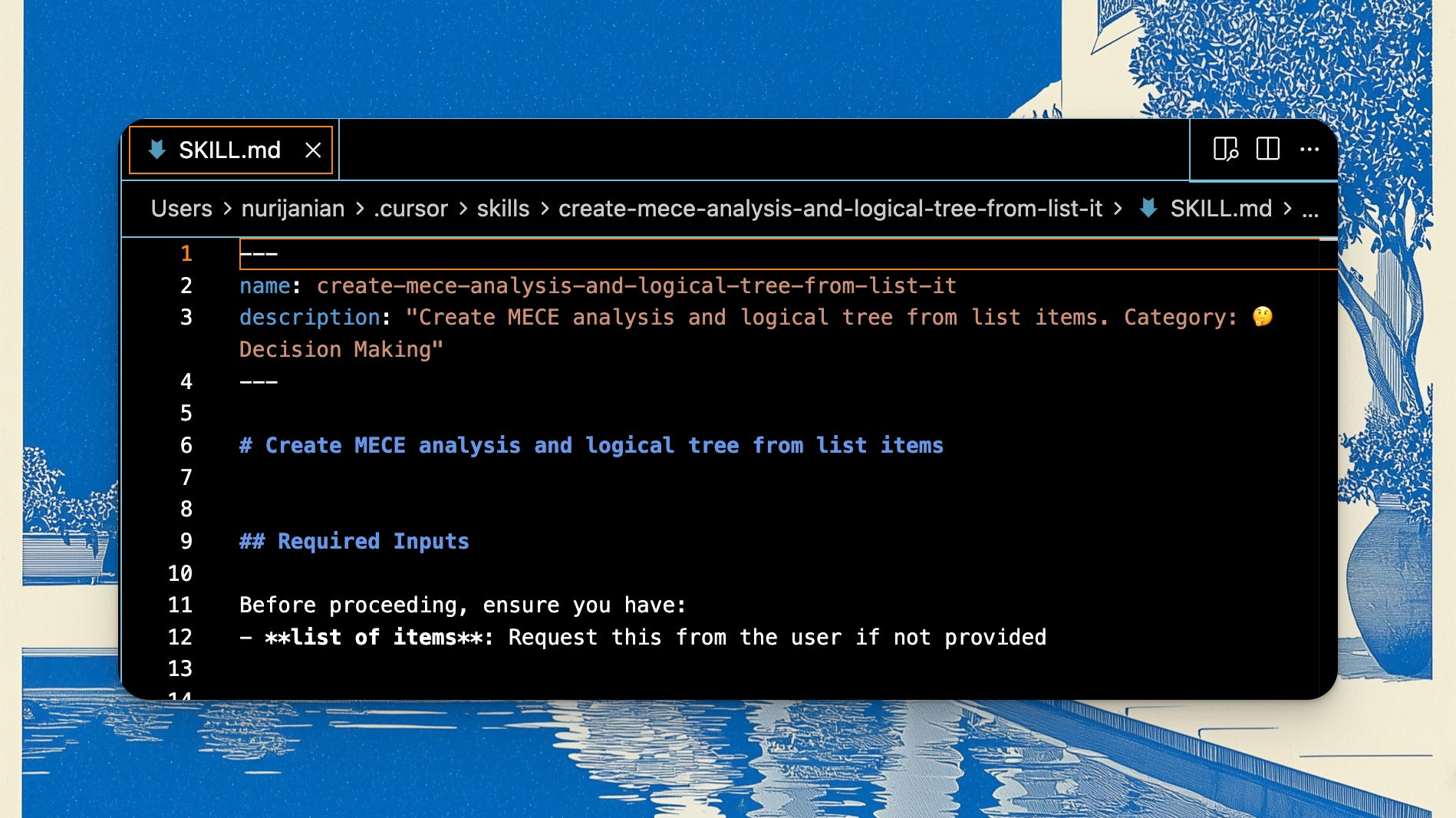
For example, the MECE prompt in my Skills library is one of my most used:
Using Brainteasers
I built a directory of 200+ prompts/brainteasers you can use with Cursor (or even if you’re still on ChatGPT/Claude/Gemini with memory).
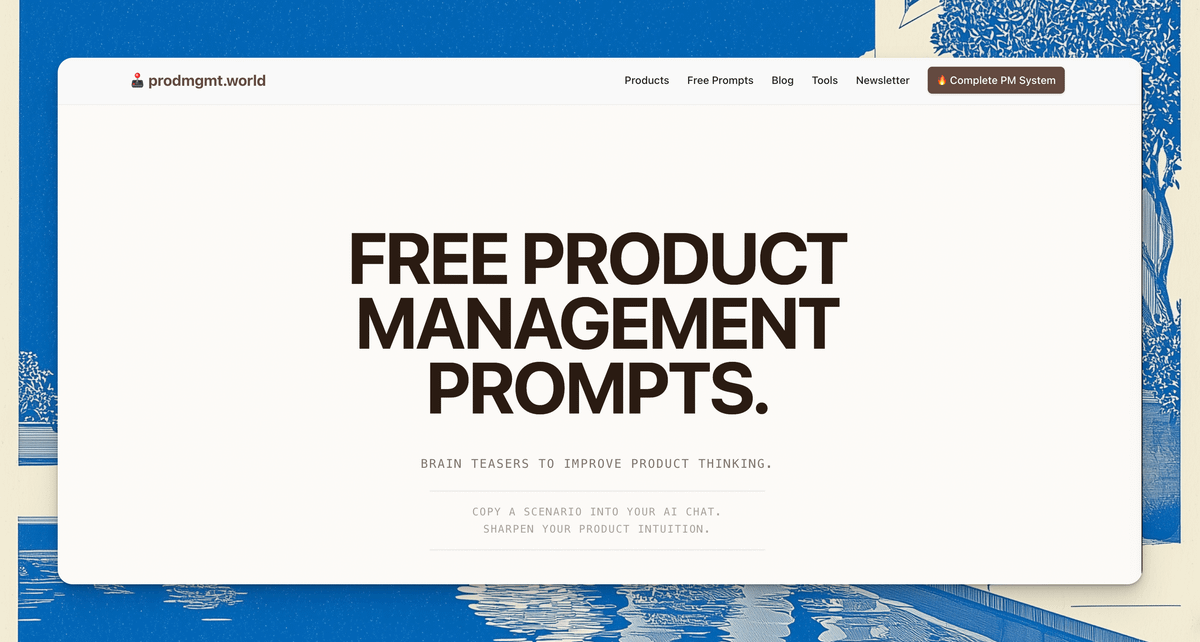
Come in any time and grab a brainteaser, like for example:
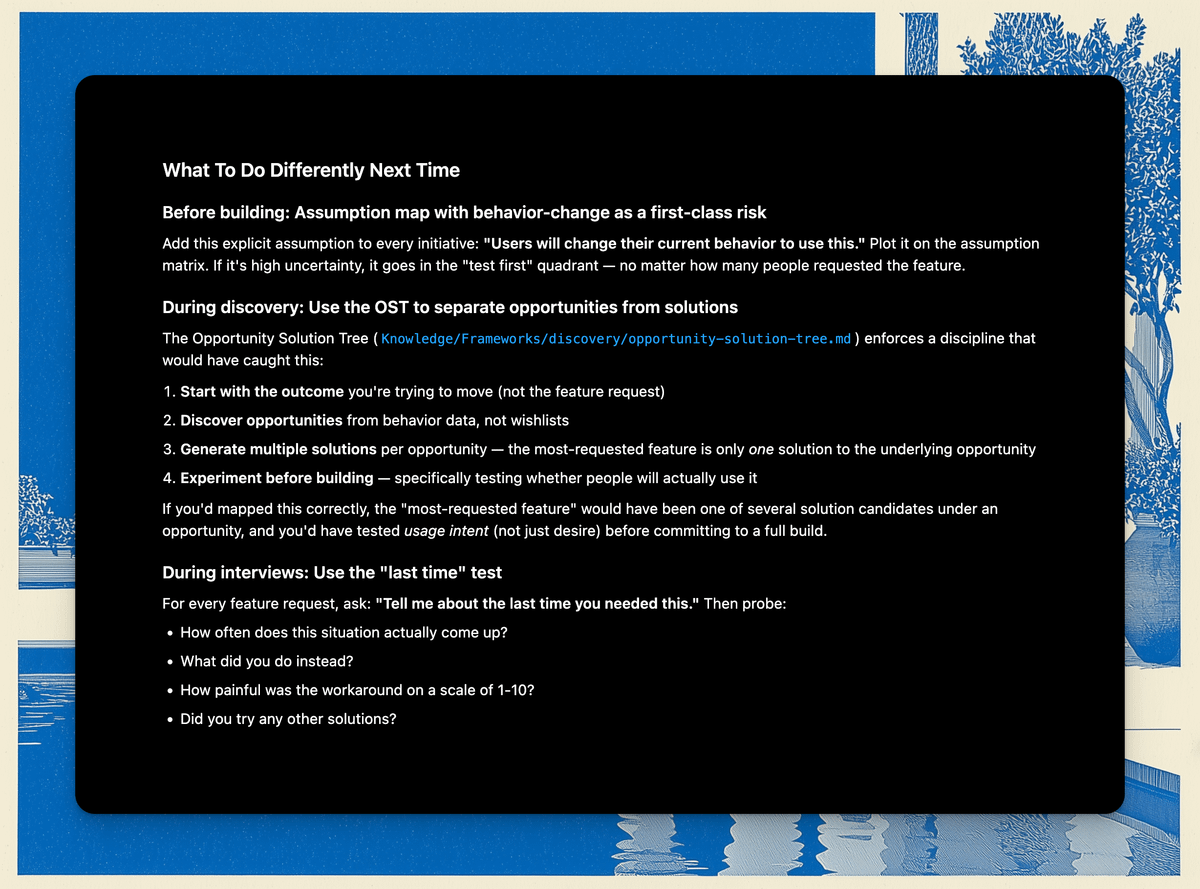
Imagine the metric you use to gauge overall user satisfaction was high, but the most-requested feature had near-zero usage after launch. What does this tell you about your discovery process, and what would you do differently next time?
Then you can copy it over to your OS. Because the OS has all the various skills and frameworks on tap, it can instantly tell you where things went wrong:
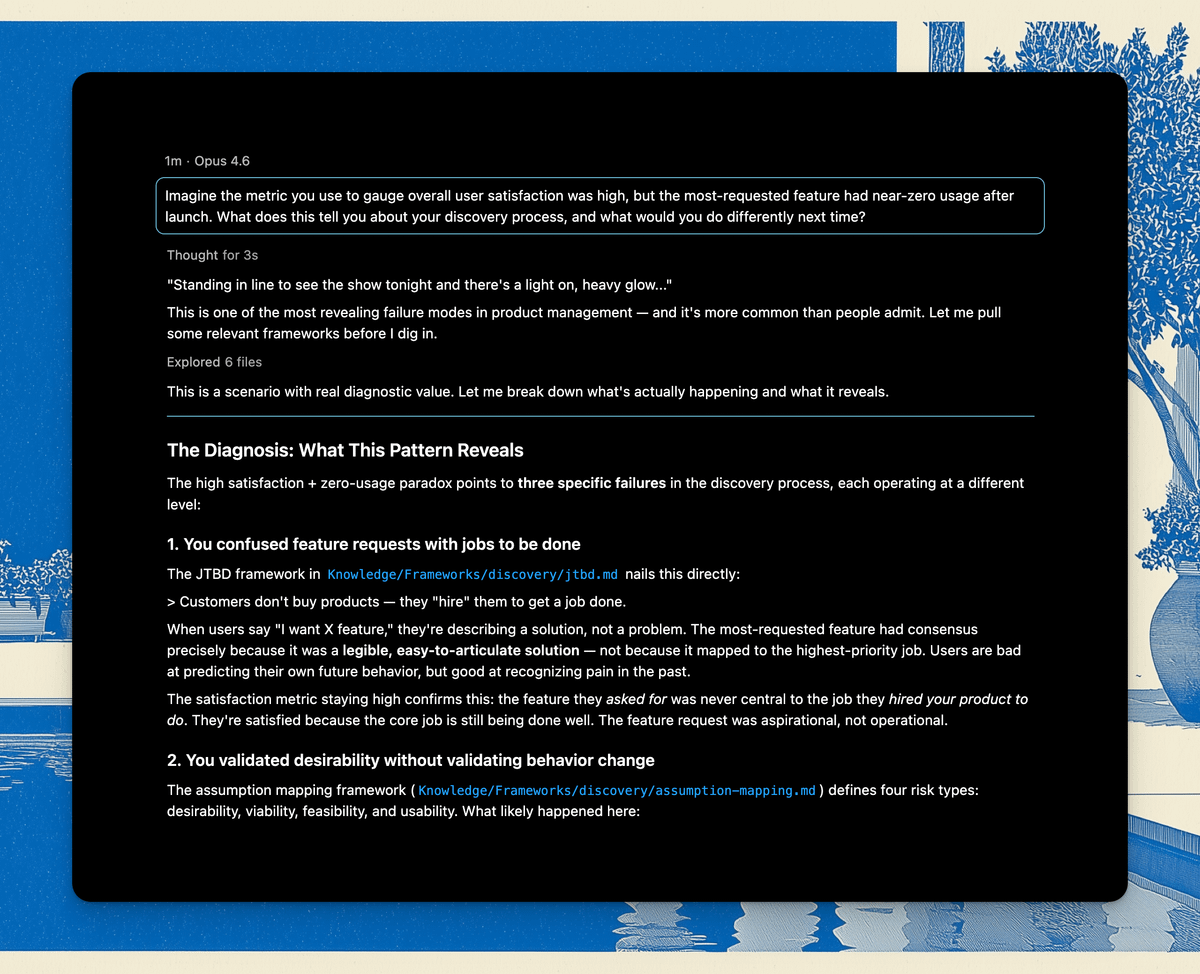
… and what to do next:
Or we can use another one:
You’re about to run a user interview. The participant is a paying customer who has never used your product’s secondary feature. Write three open-ended questions that avoid leading them toward your hypothesis about why.
Plug it into the OS and get a bunch of grounded solutions.
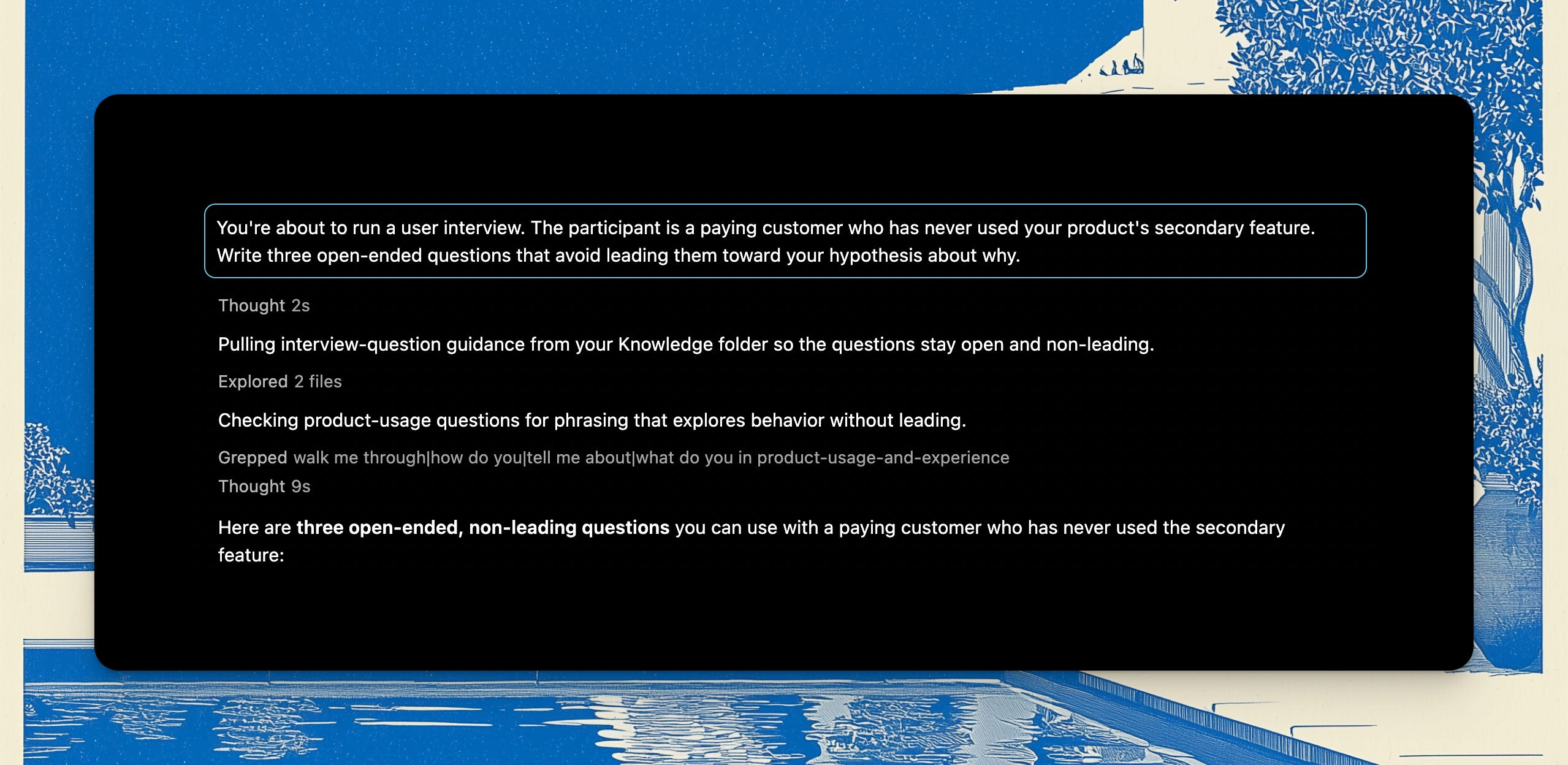
You can then use one of the interview skills and have a full guide ready in less than 10 seconds:
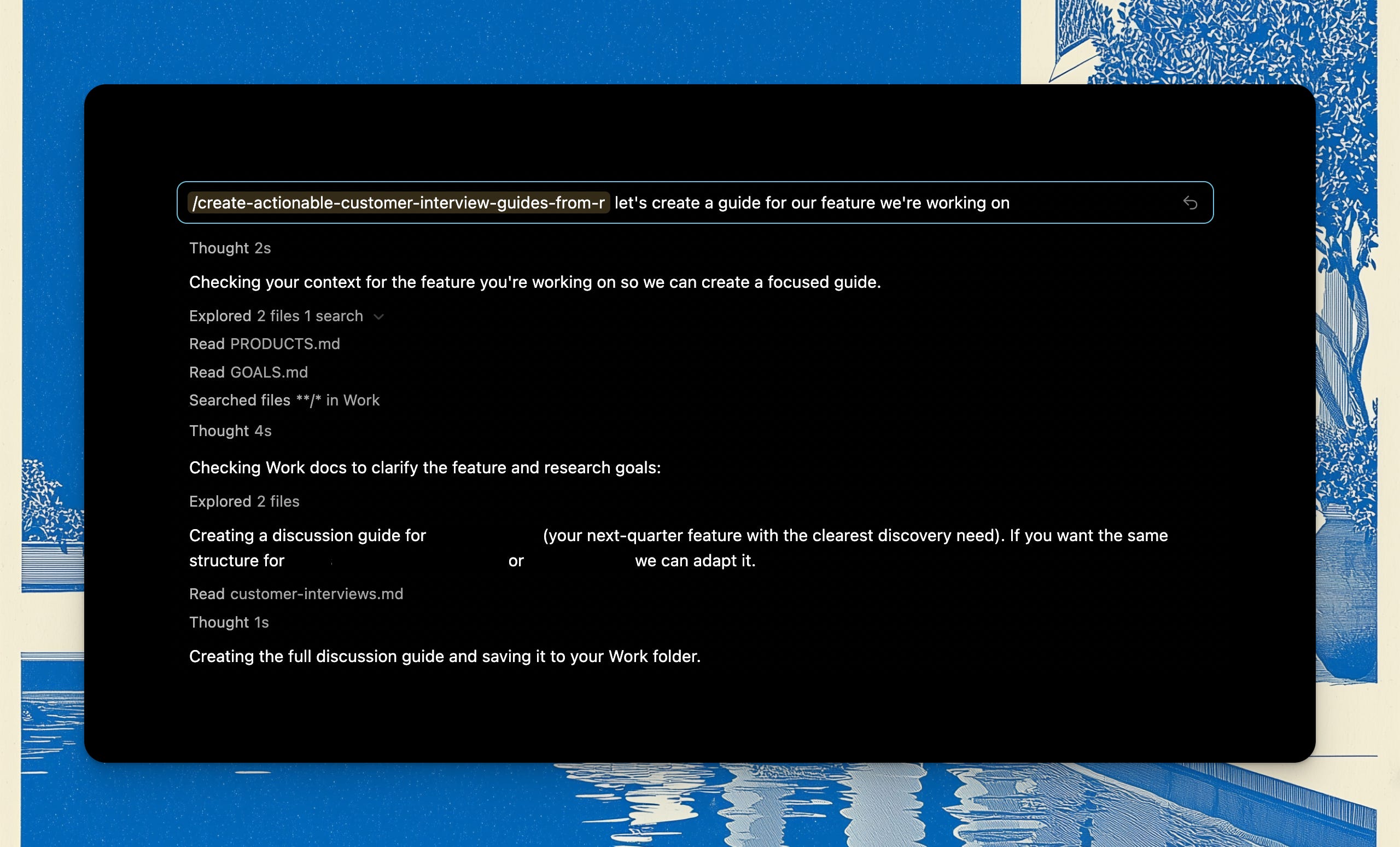
So try it out and let me know your feedback!
Conclusion
Once your workplace is set up - and by all means, feel free to roll your own setup, you might not need my OS product - you can basically live in Cursor as a PM.
Do research for your product. Crawl competitor websites and APIs with Firecrawl. Analyse research with an analysis skill. Roll that into PRDs you write with a PRD skill. Build prototypes based on the PRDs you wrote with one of the CTO-in-a-box skills here.
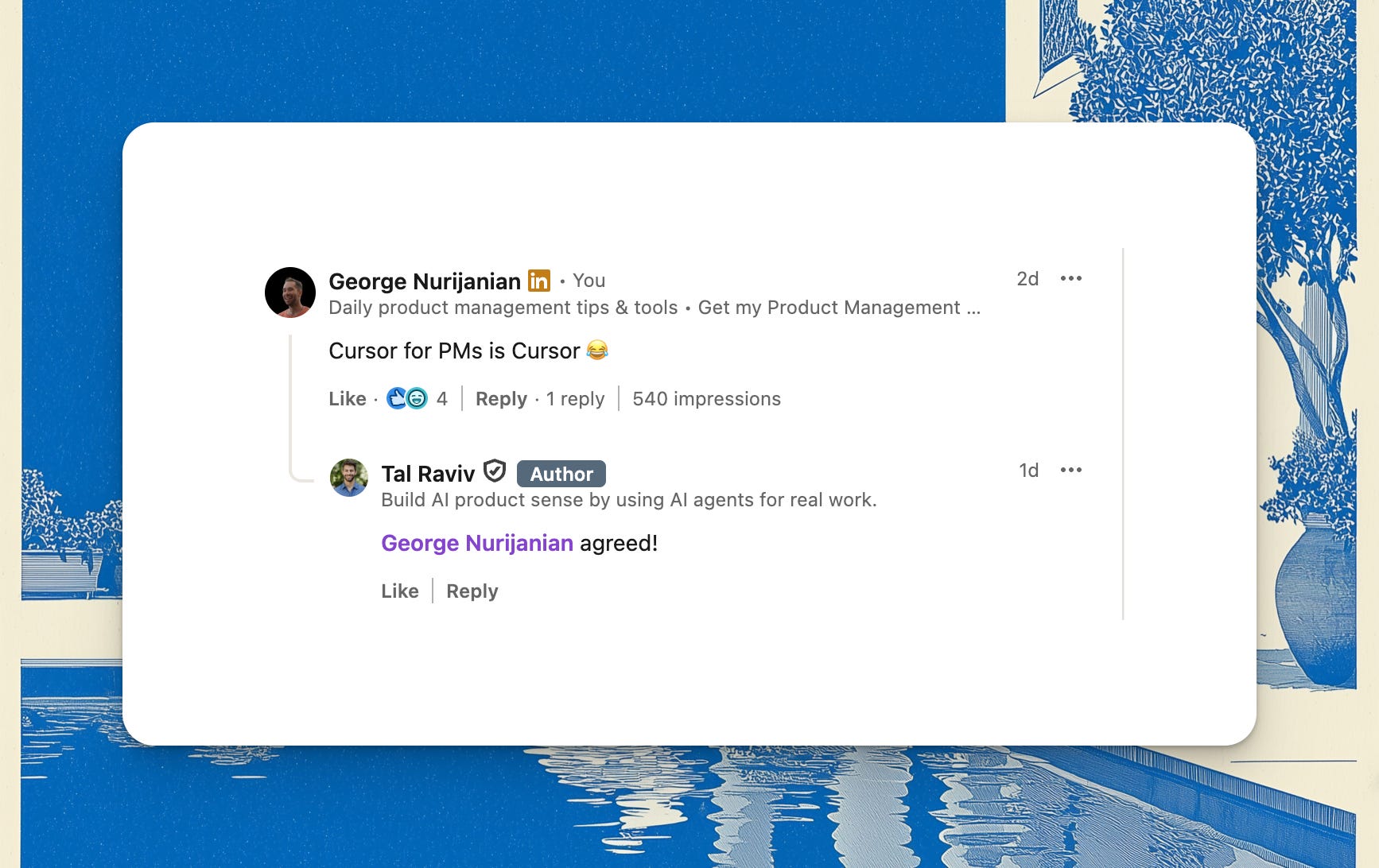
Cursor for PMs is… Cursor.
That’s all - hope this was helpful!
New AI Skills
I have tested these over multiple interactions and they work much better than generic stuff you see everywhere:
Build compelling PM work samples that land interviews
Convert work experiences into compelling STAR stories for PMs
As always, you can find them in my AI Skills Library for PMs (180+ AI skills for product work).
