
🕹️ Claude Code Plugins for Product Managers
+ Announcing CPO-in-a-Box & New AI Skills
Hello!
This is 🕹 prodmgmt.world | Becoming Top PMs Together
🆕 In today’s edition:
🆓 Claude Code Plugins for Product Managers
🆓 Announcing CPO-in-a-Box
🔒 New AI Skills
Claude Code Plugins for Product Managers
I wanted to show you a resource I made that can be your one-stop shop for improving your workflows in Claude Code.
👉 Claude Code For Product Managers
One of the best parts is the curated Plugins section:
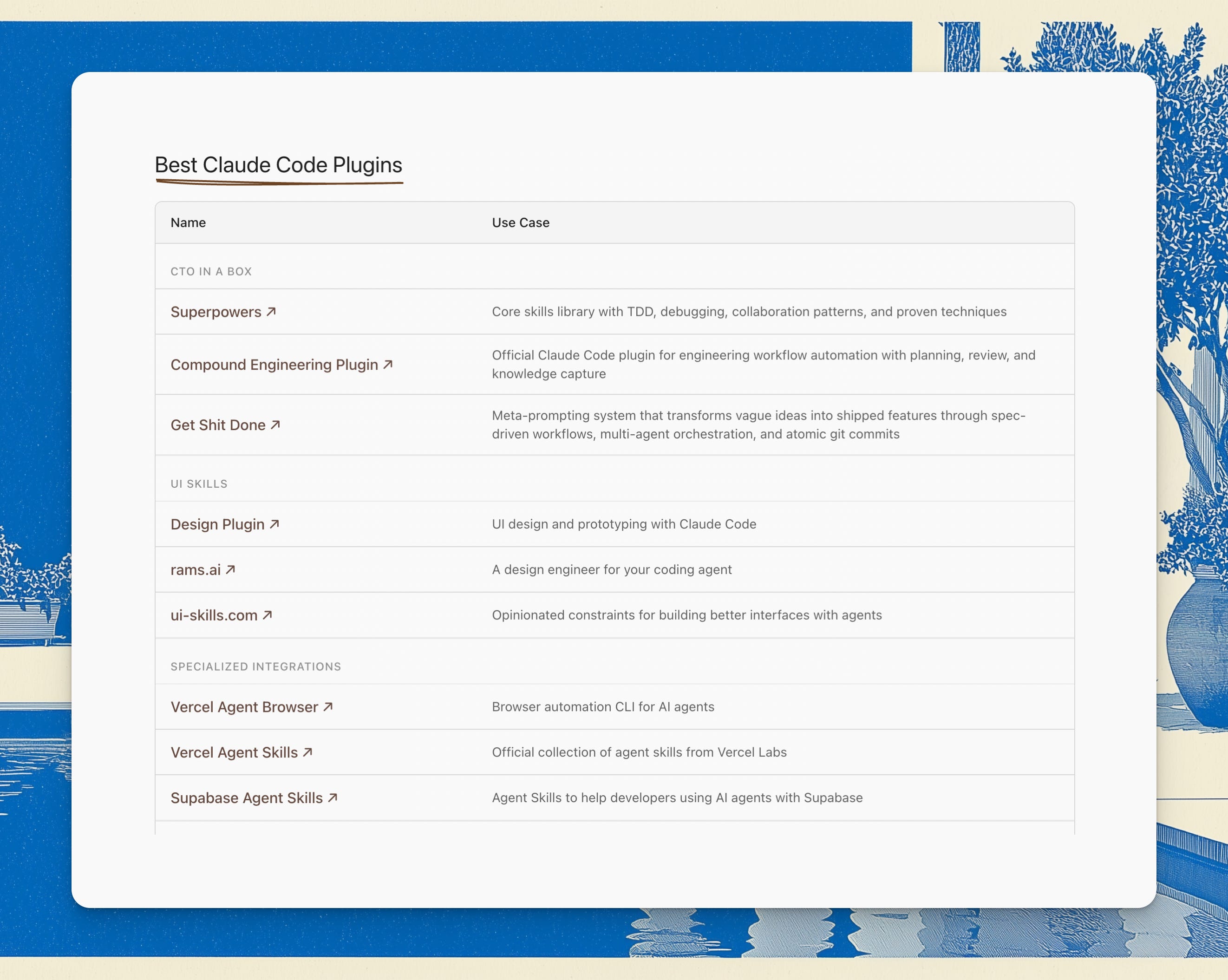
Plugins are integrated collections of skills and scripts that bundle workflows. You don’t get one thing, you get several things in one package that works with each other.
So today I’ll walk through how to use them, and what they look like:
CTO-in-a-box
This is one of the first plugins I had in my CTO-in-a-box section: Superpowers
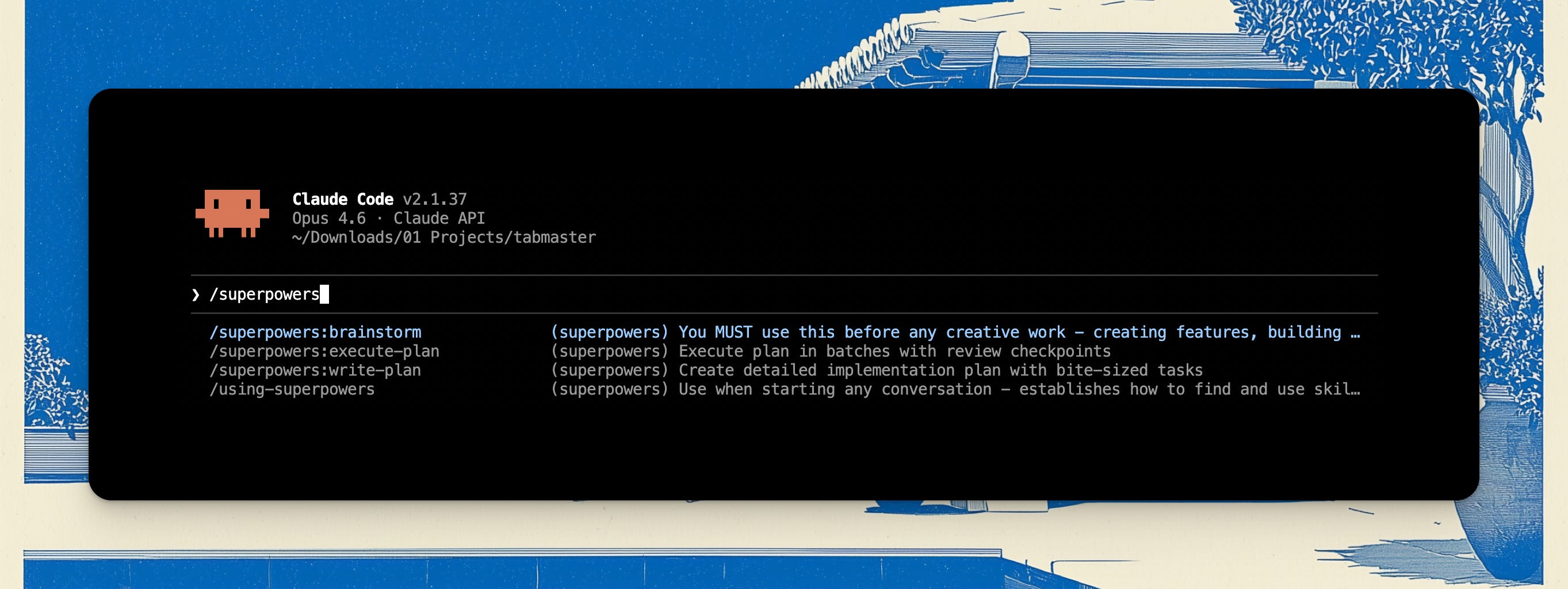
It consists of brainstorm, write-plan and execute-plan.
This is straightforward:
Explore and define the feature
Write the plan
Execute it
These days, if you’re just using plan mode for feature dev, I’d say you’re probably getting a lot of slop, errors and maybe just not making any progress at all.
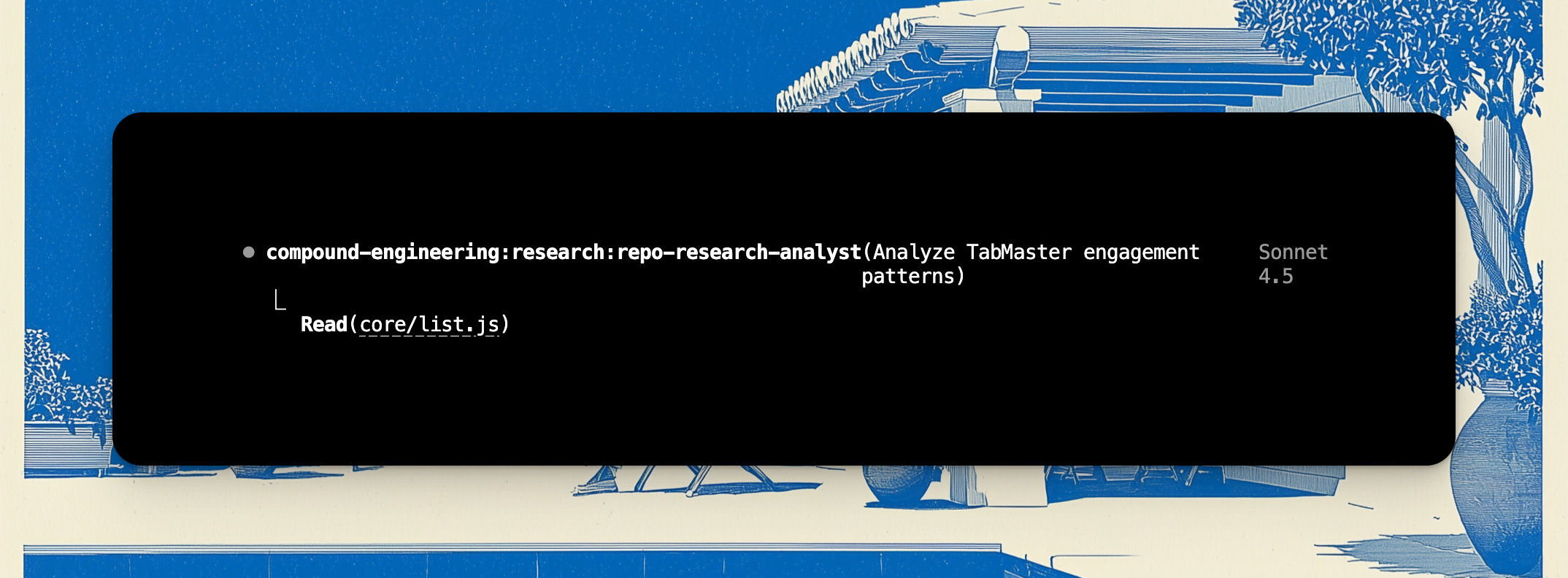
We’re working in my TabMaster Chrome Extension that I built for myself, and the first nice thing it does is it studies the repo to understand it:
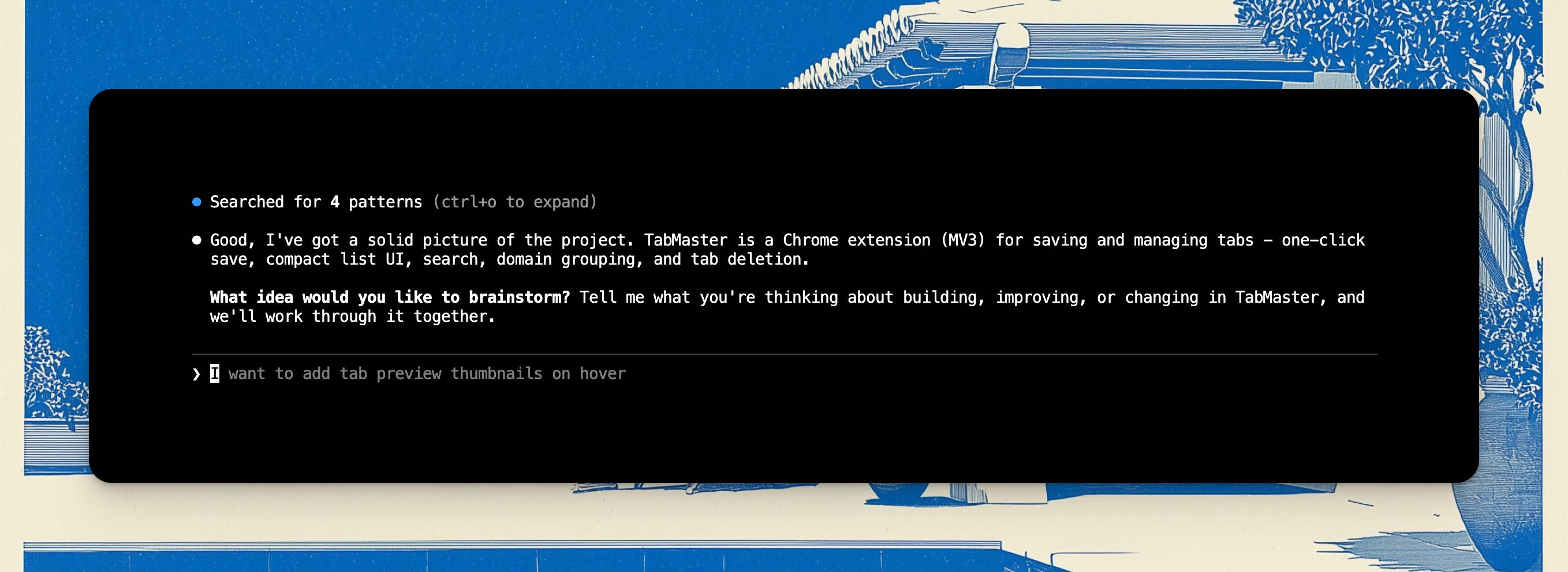
I won’t bore you with the details but it’s pretty self-explanatory as the workflow and the skill guides you through the rest of the work; it gives you a lot of questions and it gives you a lot of options and then when you’re ready it prompts you to write the plan and then execute the plan.
So let’s move on to the next one in our CTO-in-a-box section which is compound engineering from Every.
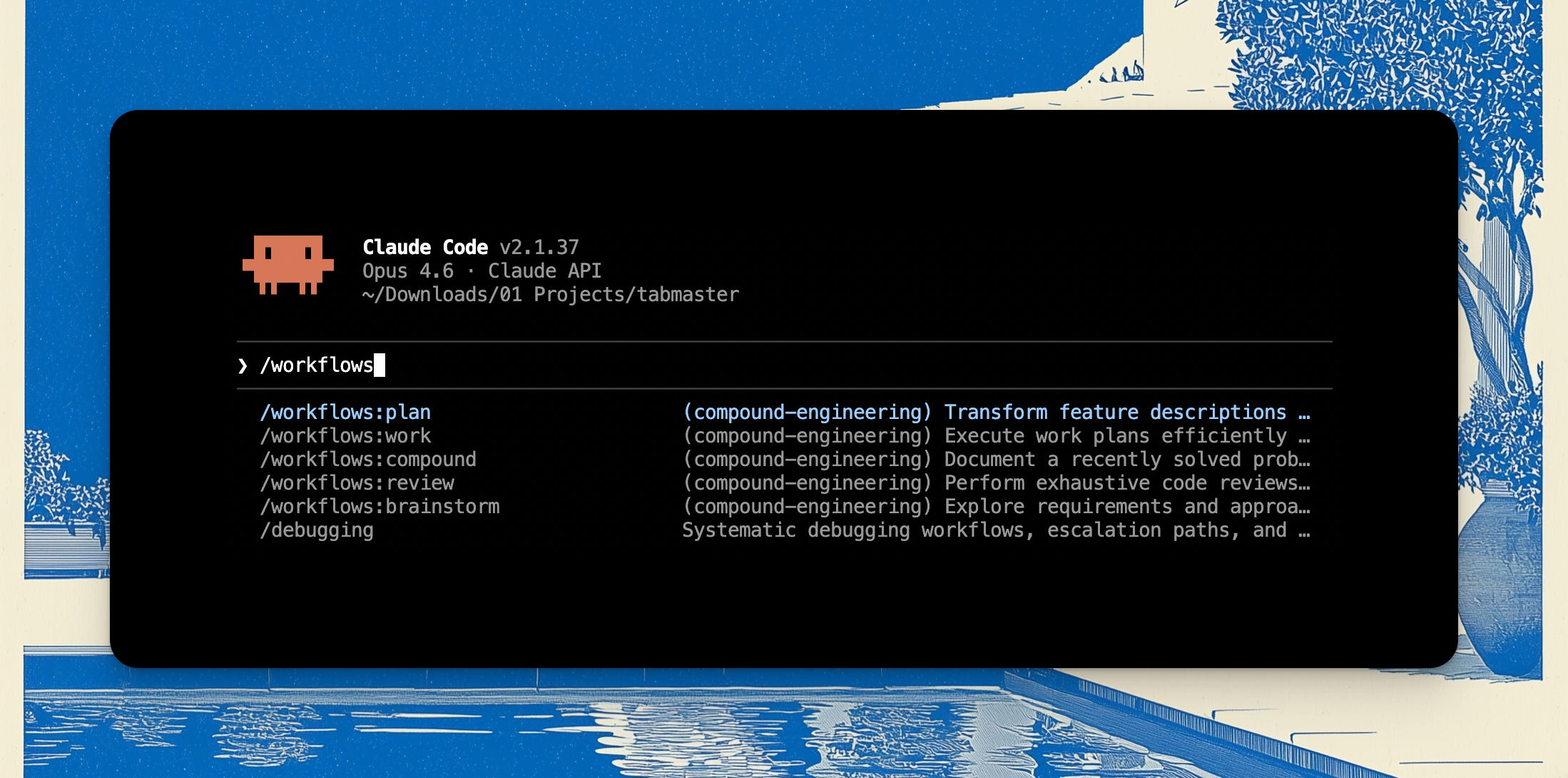
As you can see, they all have something in common again: you start with a brainstorm, you create a plan, you do the work; but in this case it also adds a skill for doing a review as well, as the compound skill, from which it borrows its name from — basically a post-review documentation step, that helps you & Claude Code document what didn’t work in the code base, so that next time you’re able to not repeat the same mistakes.
Compound engineering is much more intense and complex than superpowers, so I tend to use it on really big meaty projects. It has sub-agents for research and other workflows that trigger automatically, and it often spawns several sub-agents to speed things up.
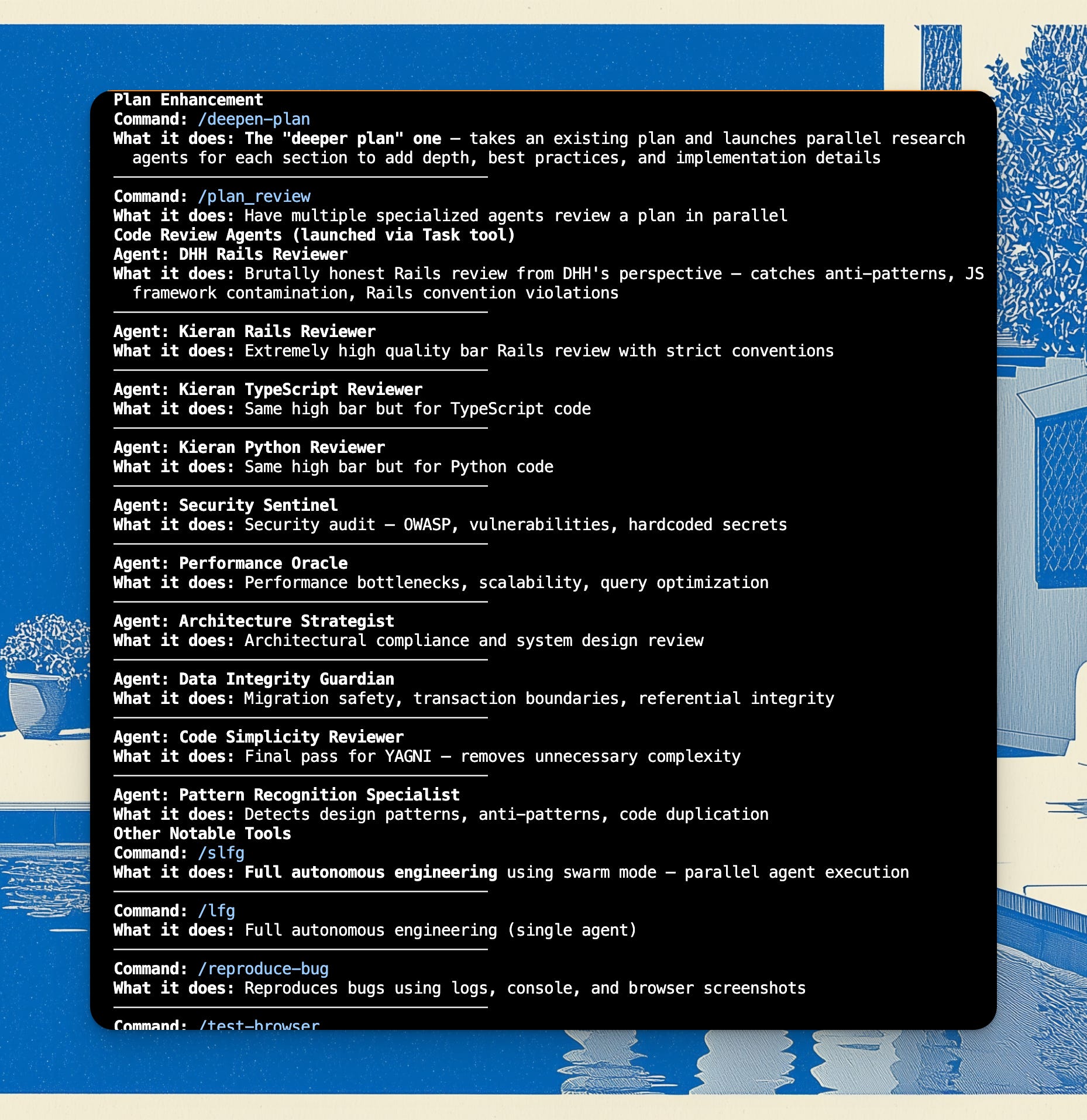
I like that it has some sub-features, like being able to create a deeper plan or get a code review of the plan from a few fictional figures.
The only challenge being that most of them seem to be Ruby developers, so I guess this is optimized for development in Ruby, which is actually a language that LLMs favor quite a bit because it has a lot of documented knowledge across the internet, and just the language itself is quite well suited for LLMs development.
UI
Let’s move on to UI, as I’m itching to show a skill I’ve been using a lot lately:
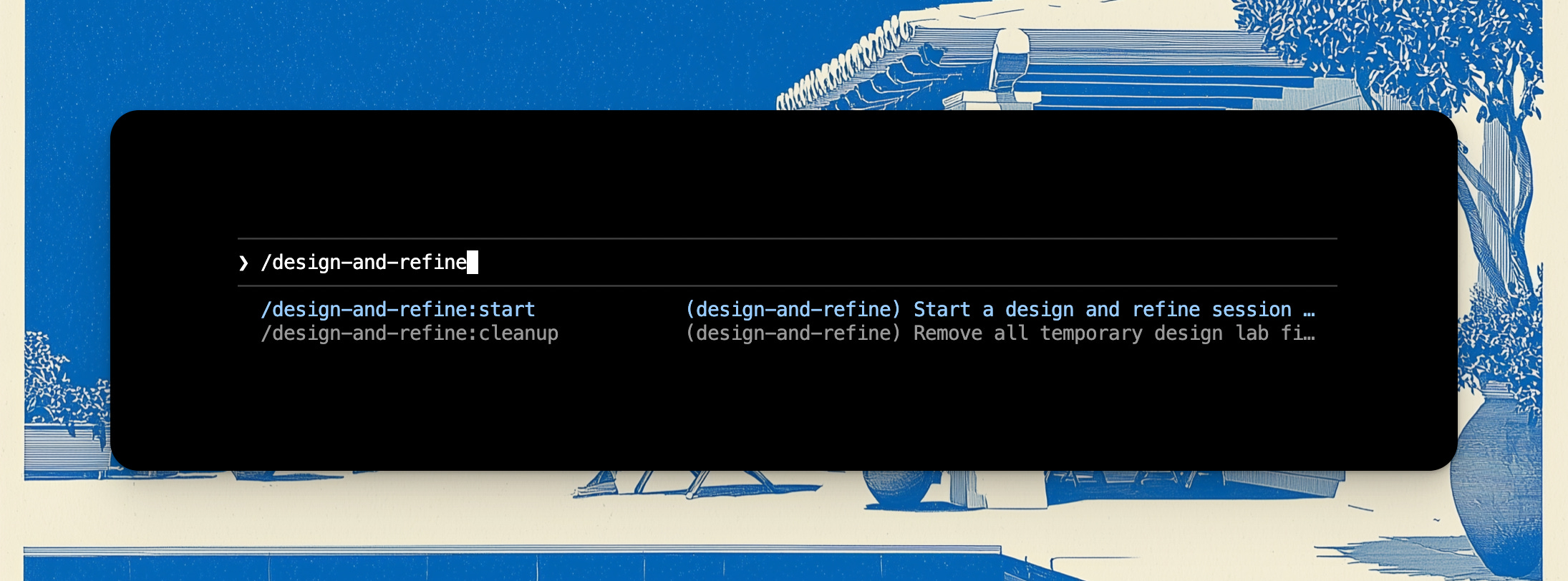
What I love about this plugin’s approach is that it does what feels like many designers dislike to do which is to produce multiple options for the UI.
Then even if you do get options, it’s kind of hard to iterate on them, you don’t want to go back to the designer and ask for more options, but this plugin is tireless. It asks you a bunch of questions around what you want, and then it produces five designs which you can explore in the browser so you can iterate this way.
It’s quite similar to the /playground plugin skill that Anthropic has released whcih helps you visualize anything like the code or the PR that you’re looking at.
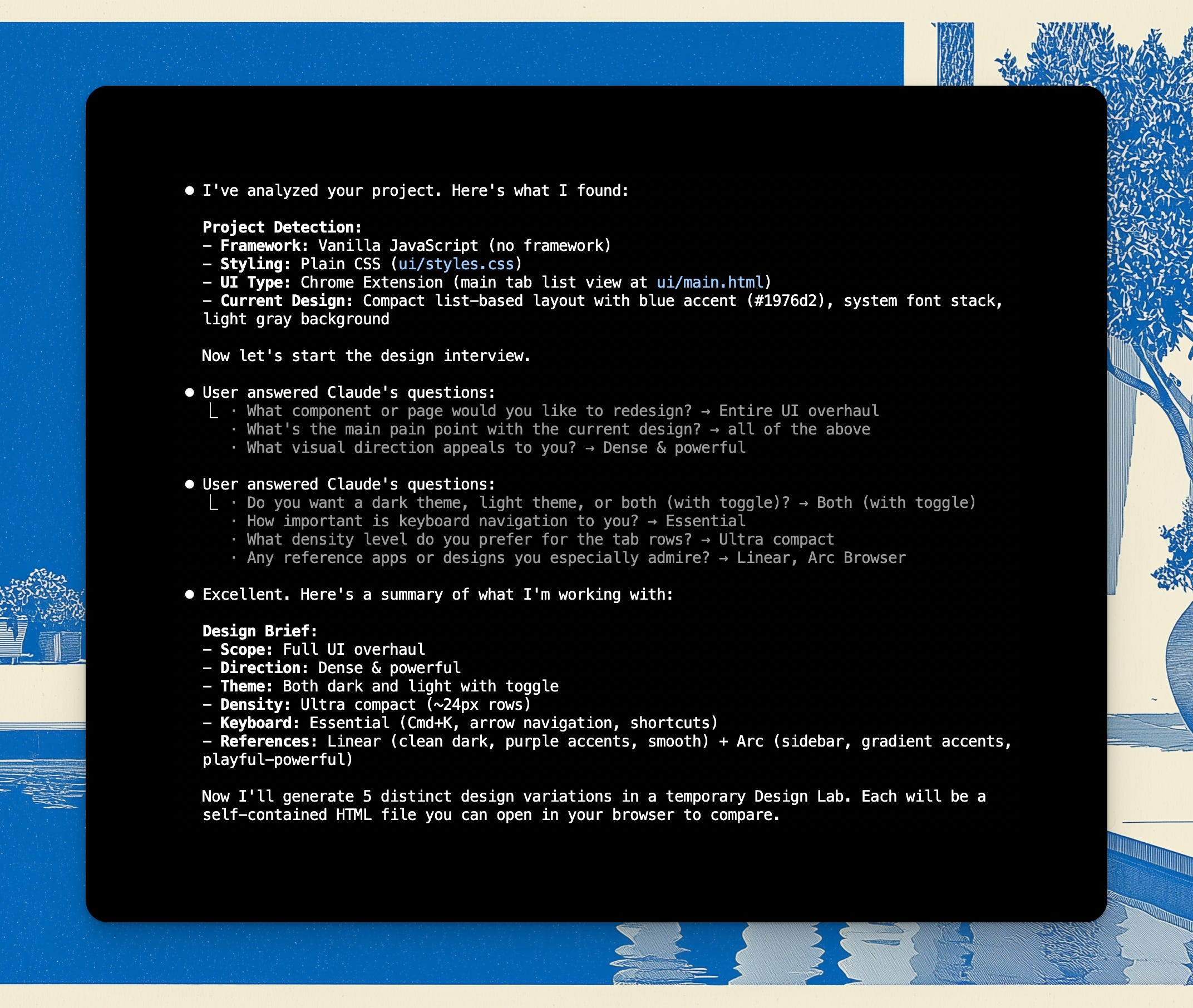
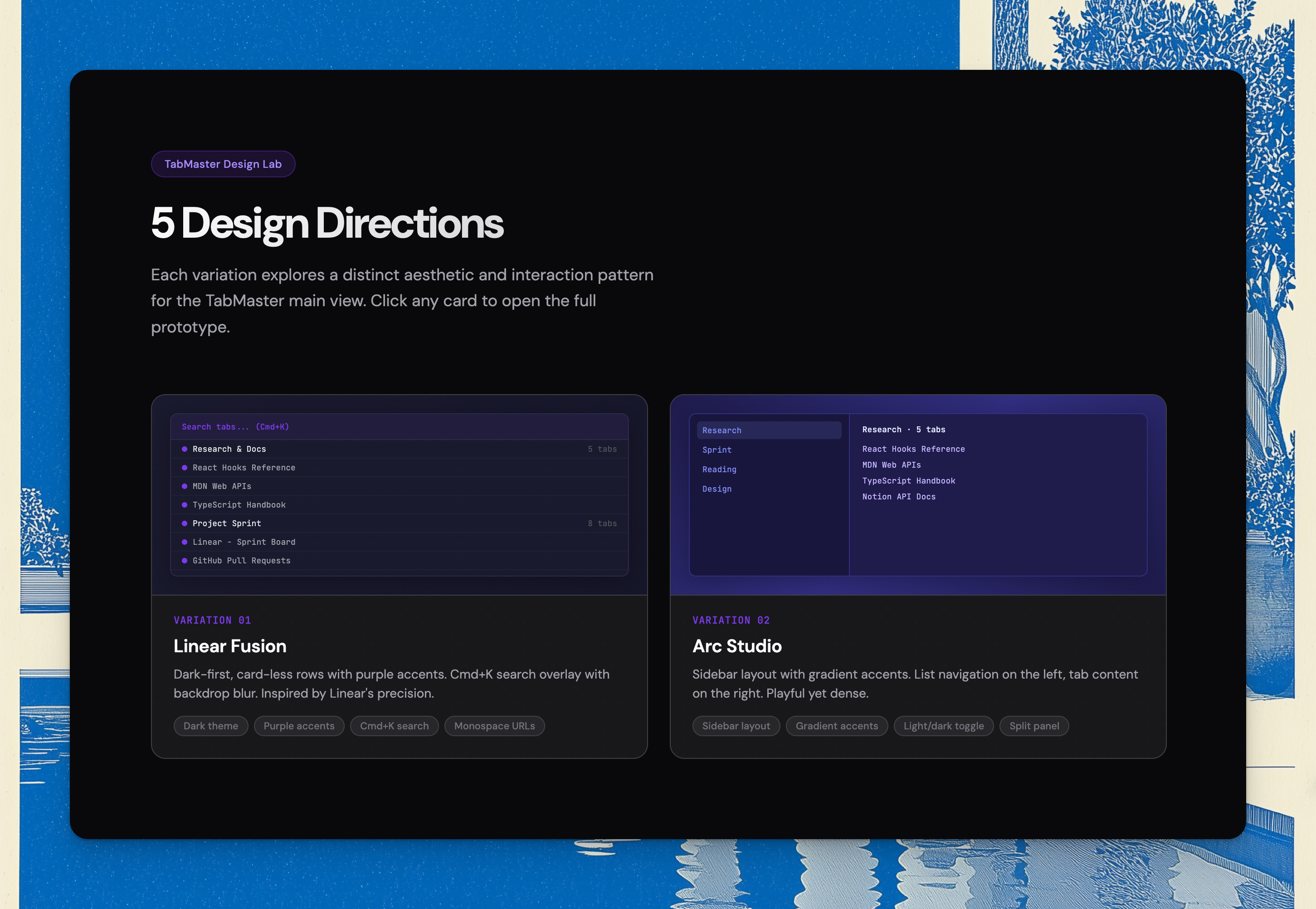
Once you’ve explored the options, it cleans up the Design Lab so you don’t carry over all those variations into your PR. Very useful and neat.
There’s also another UI plugin that I haven’t played with yet, but it’s really promising, because it’s from the folks who made Superdesign.dev:

Shaping
This is a brand new plugin — well, it’s 2 skills from a well-known process — that I’m genuinely excited about.
I’ve been a fan of Ryan Singer’s/Basecamp’s Shape Up ever since it was published around 2019.
I know Ryan has been using Claude Code recently, so he finally shared his 2 skills for Shape Up:
breadboarding
shaping
It’s incredibly exciting to try it out, here’s a flavor:
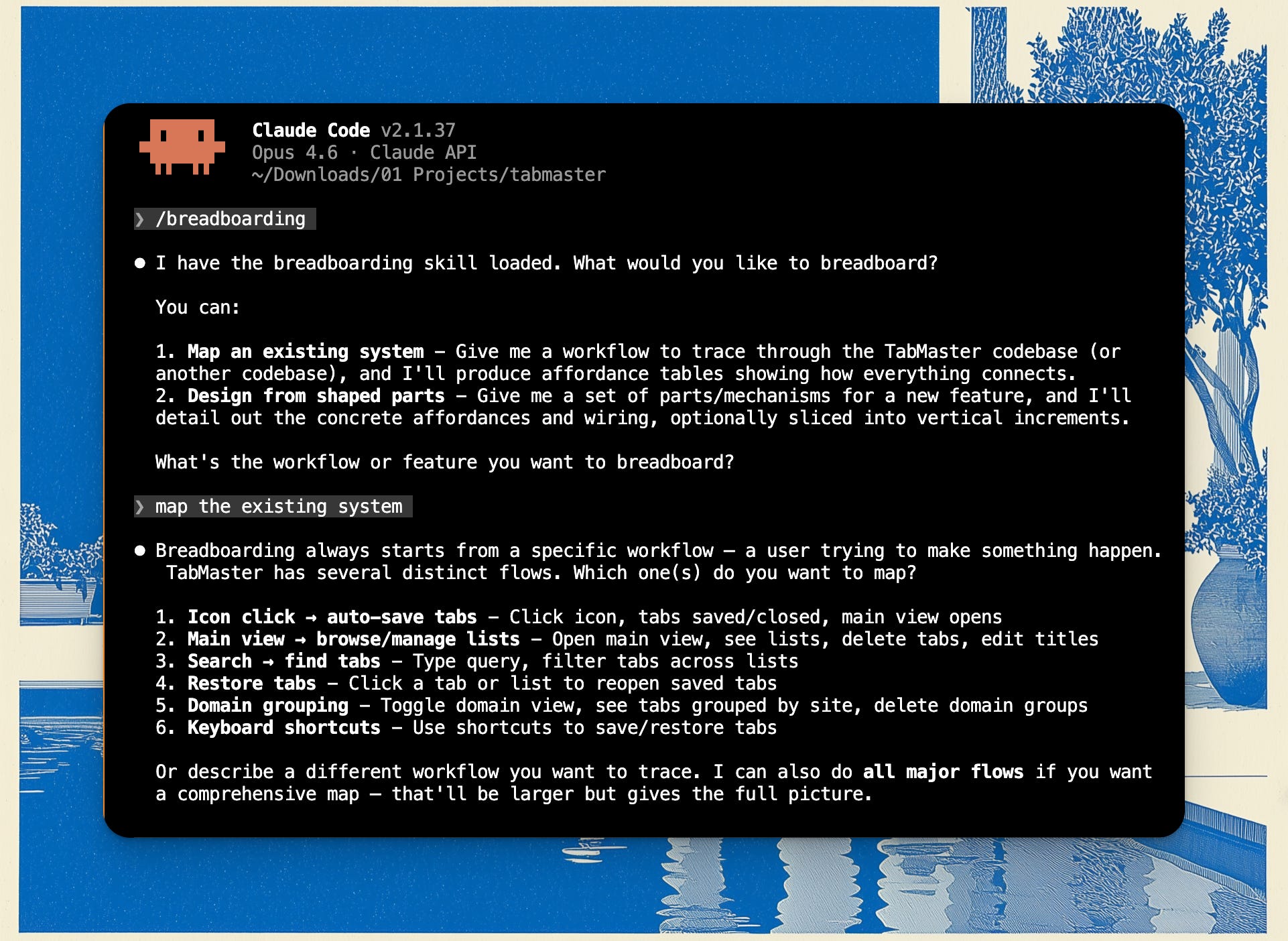
I love it because to me these skills bring in a design + JTBD vibe into product engineering, which I have always found lacking in product development — it feels integrated, not purely engineering, not purely design, not purely product management; it’s all together, wired to produce the best outcome.
I think the breadboarding skill is particularly great for exploring codebases, so I’ve been using it for the past few days non-stop, and even my own projects are fun to explore this way.
Even for a tiny repo like TabMaster, it produced a wealth of analysis, with mermaid diagrams and scopes clearly articulated, which can be added as documentation, improving system understanding.
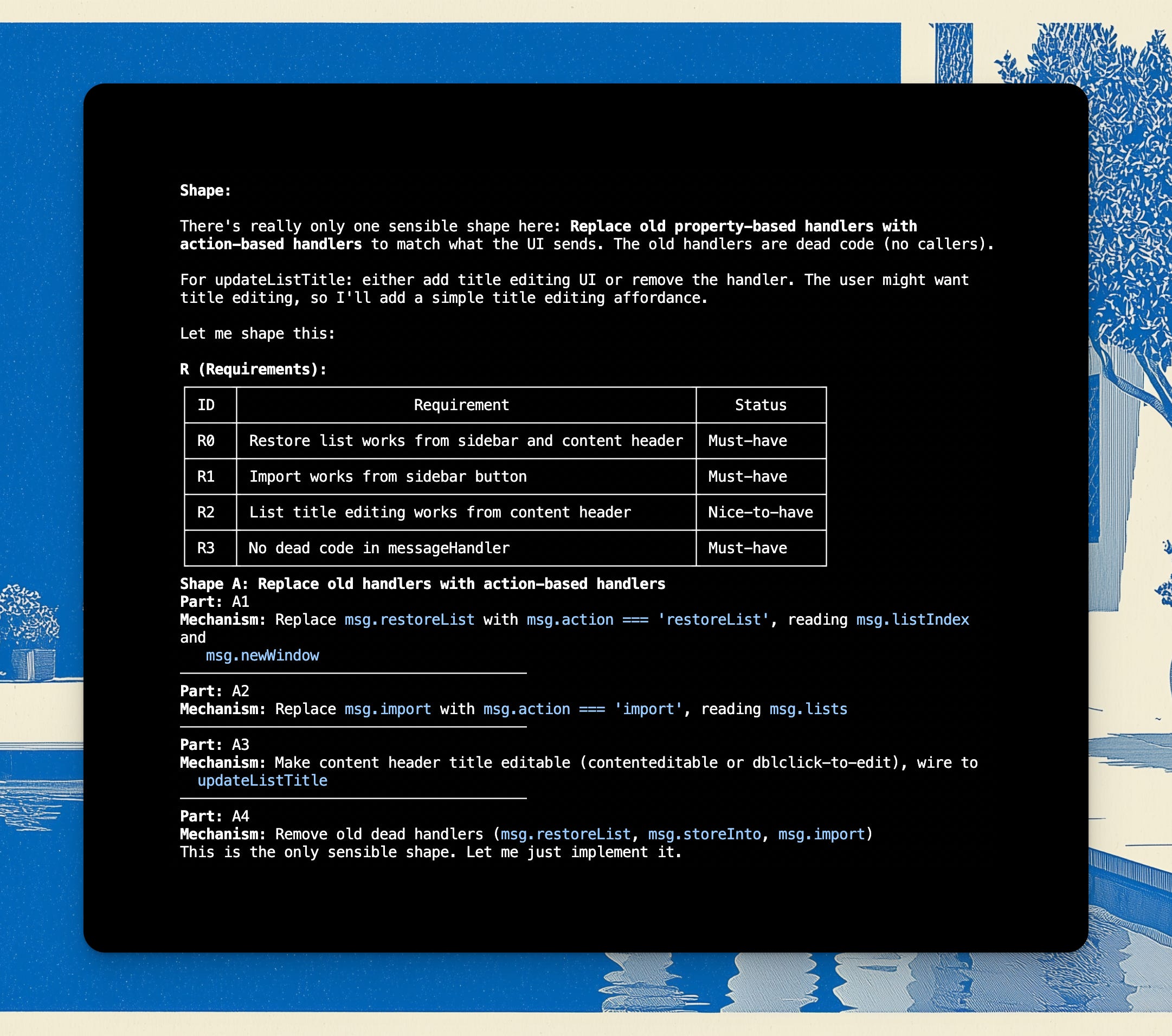
Then you shape whatever changes you need:
Announcing CPO-in-a-Box
I am working on my Complete Product Management System v2, which is launching in a few days, it is made for the new AI age.
Complete with workflows, skills, frameworks, interview questions - it’s basically “Install a Chief Product Officer in a box” into your Cursor or Claude Code. I am also working on a /product-sense or /taste module which will enable even better product thinking.
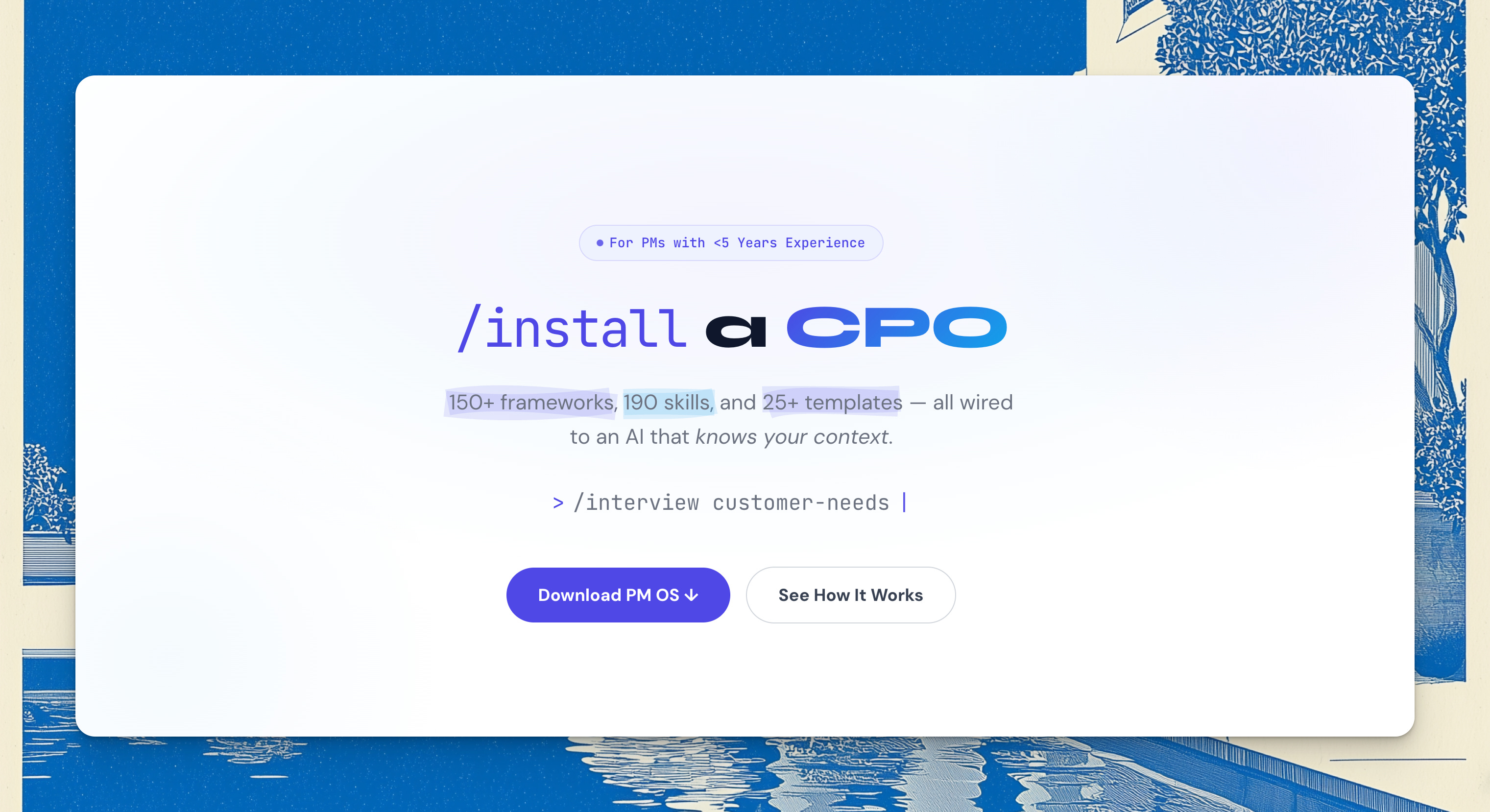
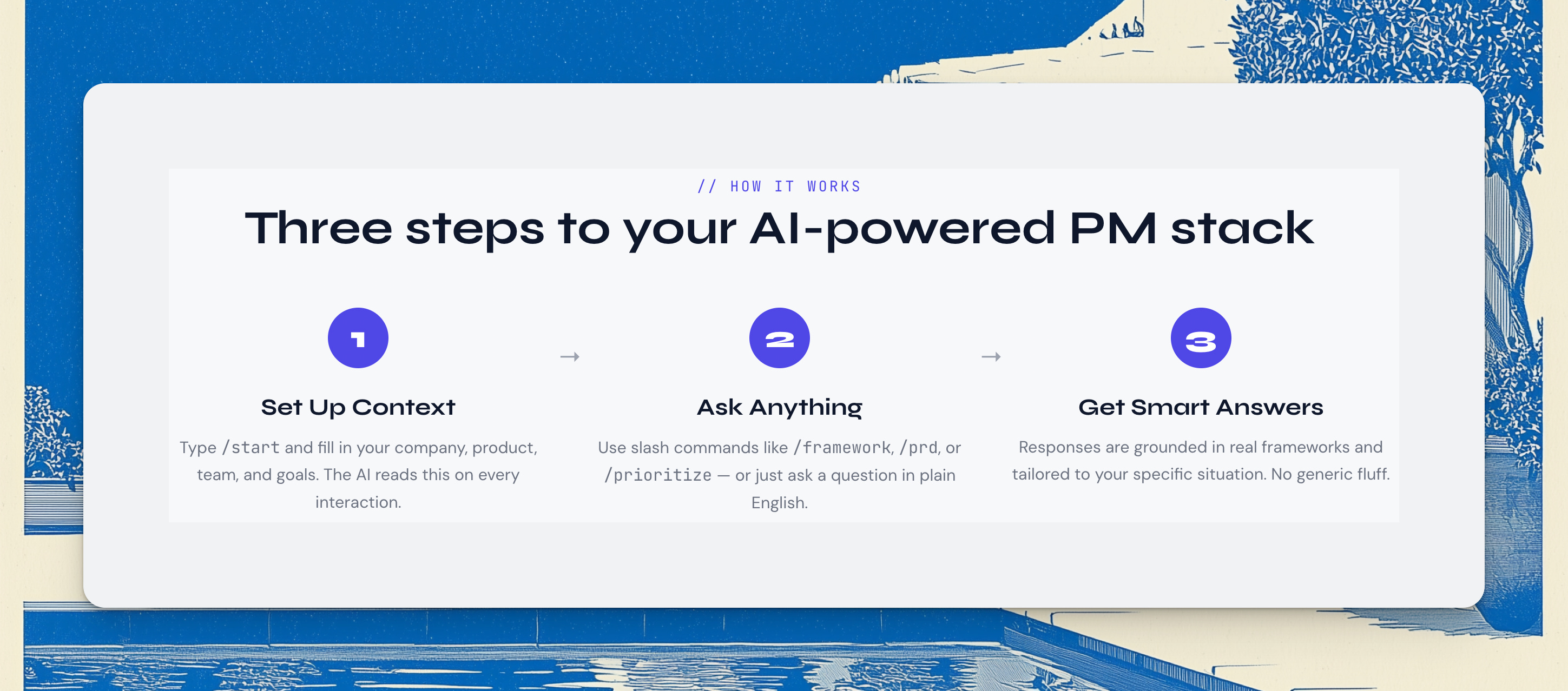
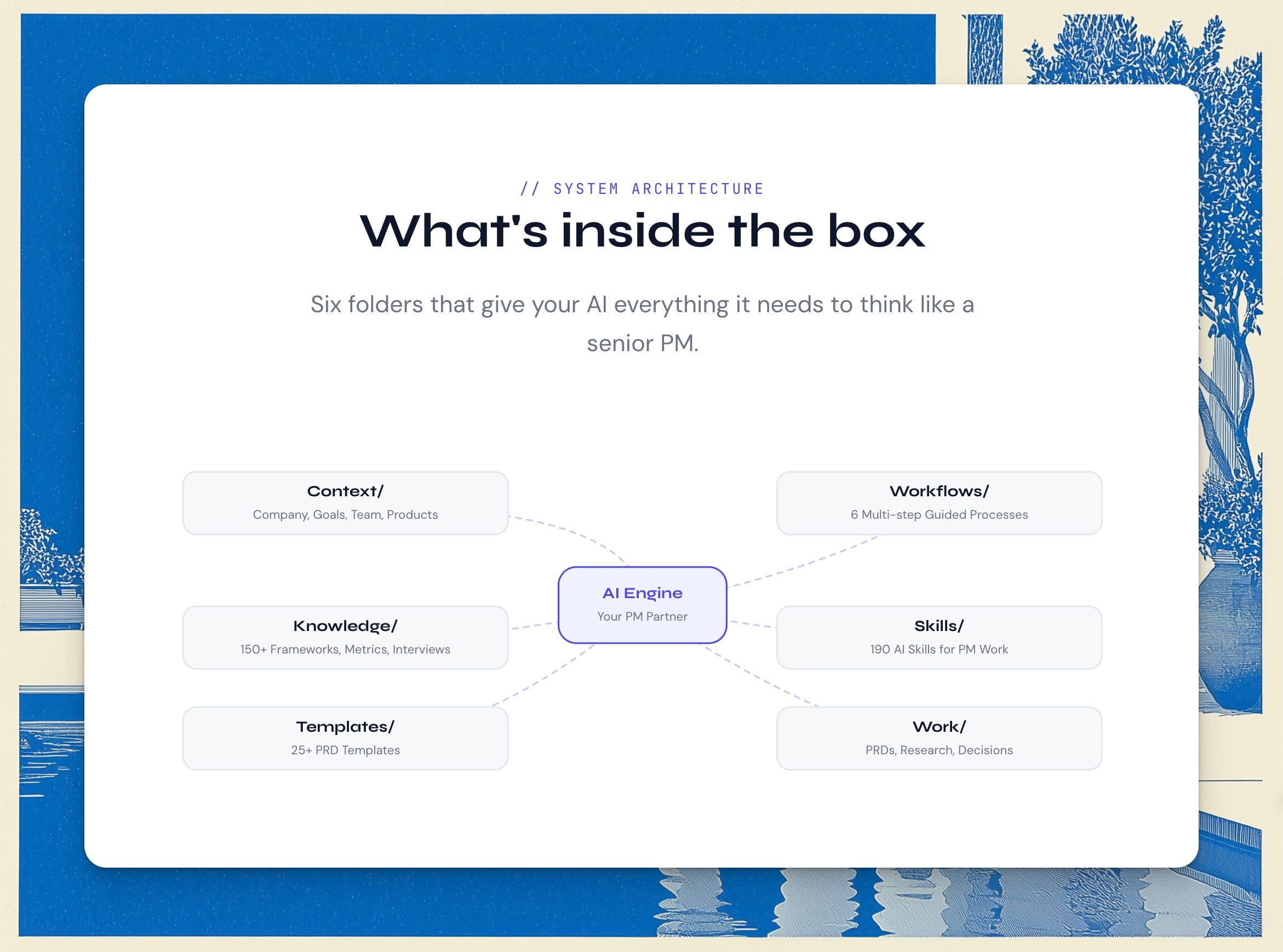
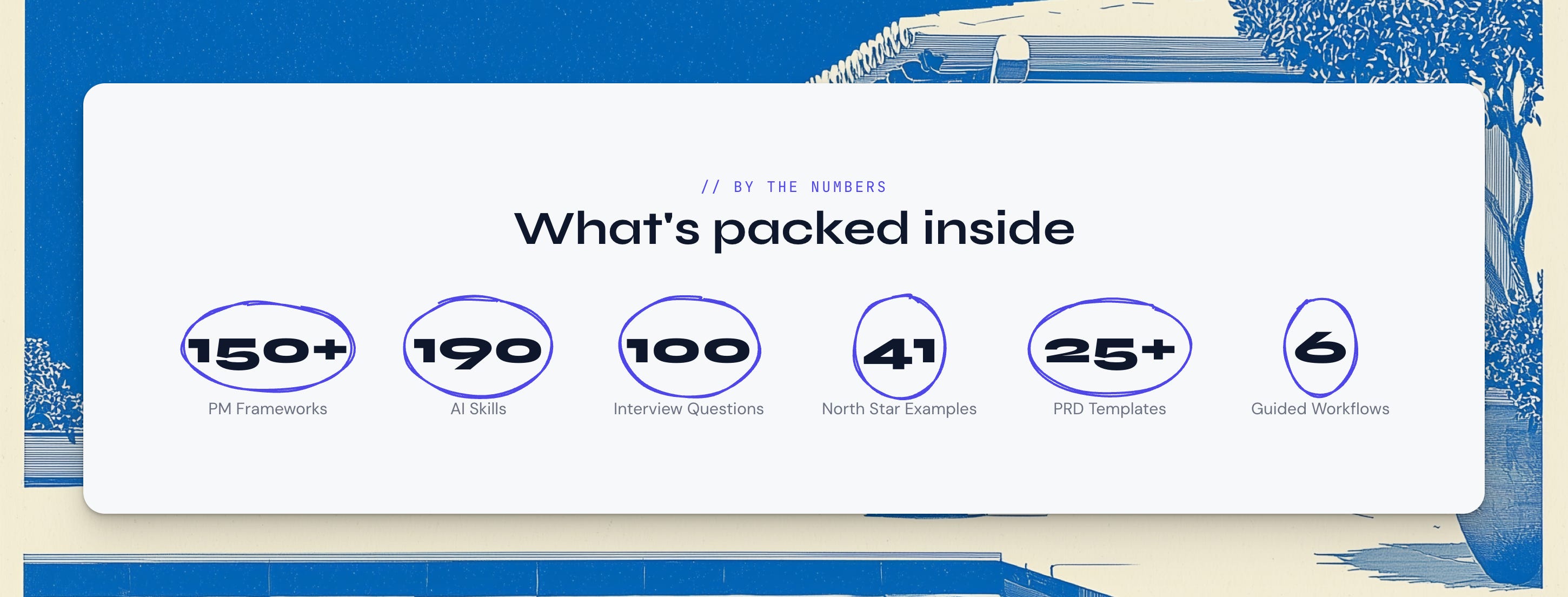
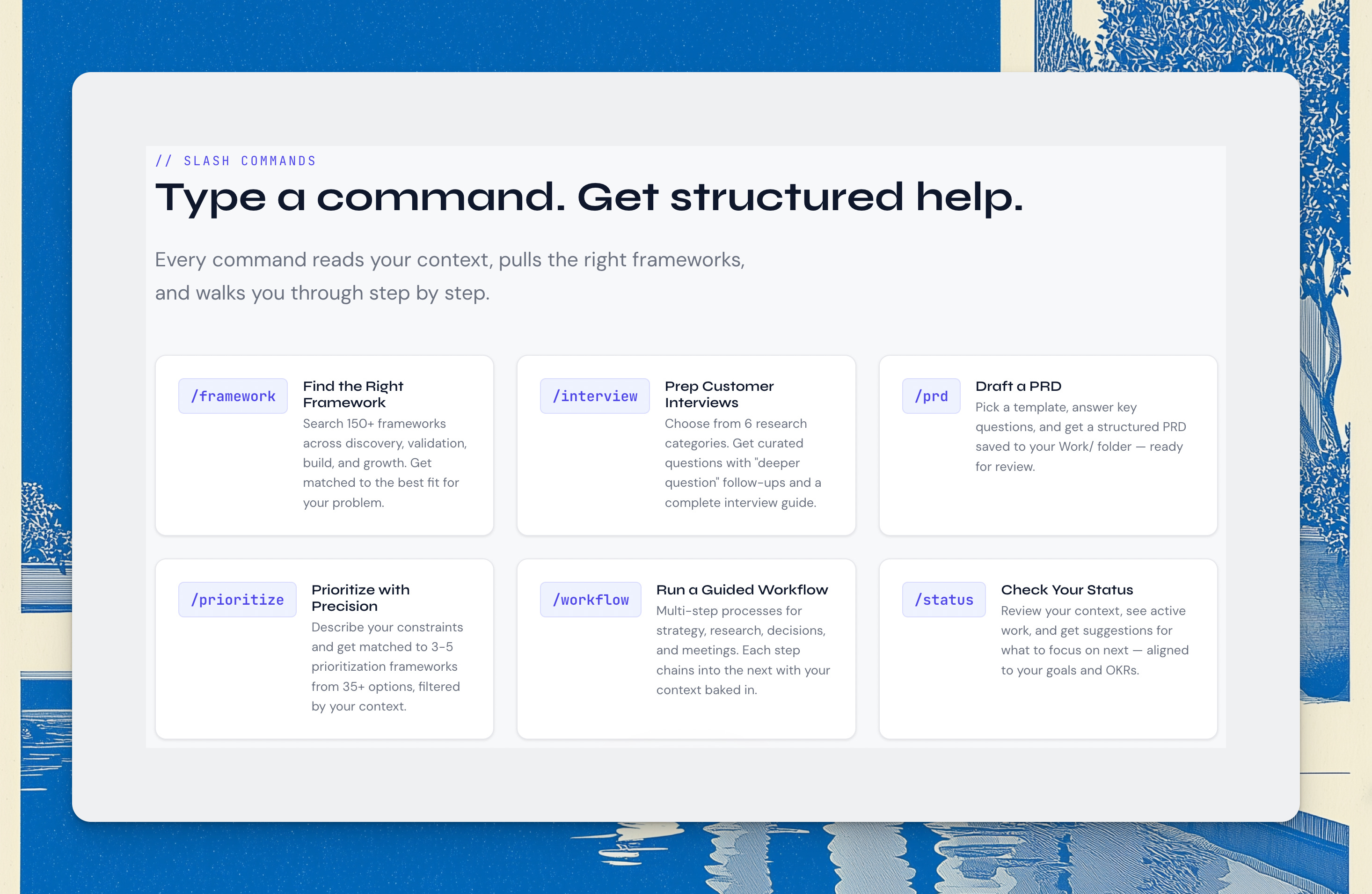
This will allow anyone to augment their product team with a set of integrated workflows they can use inside Cursor/Claude Code, and my hope is that this will lead to a new generation of great products built in 2026 and beyond.
It will be Enterprise-orientated, so priced accordingly, but if you want to get it while it’s still consumer-priced ($99 one-off), grab it here today. You will get the updated version once it lands.
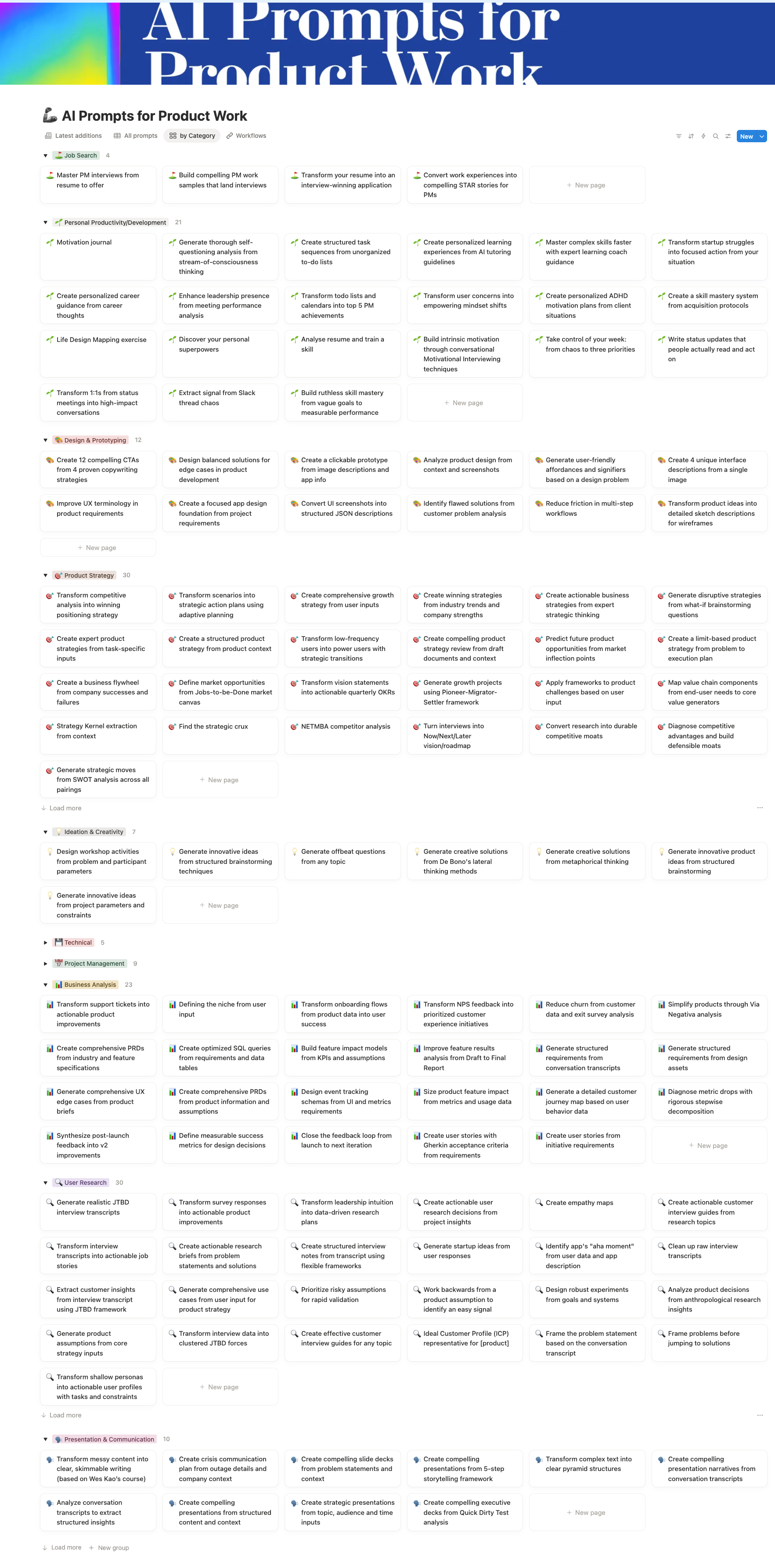
As a reminder, my AI Skills Library for PMs comes as 180+ markdown files ready for Obsidian, ready for you to turn into your own operating system.
Conclusion
Plugins are packaged skills and can be super useful in Claude Code for encoding & transferring knowledge in a domain. And of course as a reminder, these Plugins also work in Claude Cowork, which we covered last week.

That’s all - hope this was helpful!
New AI Skills
I have tested these over multiple interactions and they work much better than generic stuff you see everywhere:
Defining the niche from user input
Reduce churn from customer data and exit survey analysis
As always, you can find them in my AI Prompt Library for PMs (180+ deep prompts for product work).
